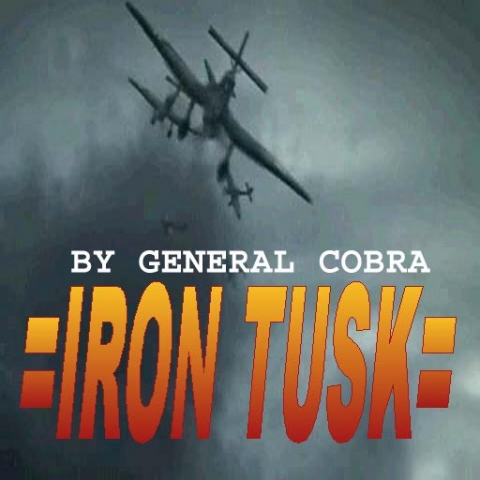
test_iron_tusk
Creator
GEN COBRA
Theme
N/A
Game Modes
All Modes
Map Size
Unknown
Description
=IRON TUSK CAMPAIGN=
By GENRAL COBRA aka Chris Murchison
murchgraffix@yahoo.com
Level 1 Nazi HQ
Level 2 Dawn Invasion
Level 3 Iron Tusk
======================================
INSTALL INSTRUCTIONS
======================================
Copy and paste or cut and paste the 3 .pk3 files into your programfiles/eagames/mohaa/main folder.
The maps are now located on the tiny chalkboard between the single player campaign door and the multiplayer campaign door at the Medal Of Honor main menu with all the phones.
To have the proper map rotation you MUST start at Nazi HQ. They rotate automatically.
After installing it you might need to activate the console by checking it's box in the setting section of the main menu. After doing this you will need to hit the "Tithe" key "~". You can shut it off with the same key. After you have console up, type maplist then the enter key. Choose any map, but for this campaign it will start at test_NaziHQ.bsp.
======================================
Related MOHAA Maps
Engine & Patch Compatibility
Community-tested verification on official patches & Reborn
0.00 reviews
Community Rating & Discussions
Rate this map and share feedback or installation tips with fellow players.
Your Rating:
Leave a Comment / ReviewLog in to join the discussion
Loading discussions...
Downloads
289
Total Downloads
Date Added
December 18, 2012
Download
Filetest_iron_tusk.pk3