MOHAA Custom Maps & Levels (Medal of Honor Allied Assault)
Experience new battlefields and scenarios with these expertly crafted custom maps for Medal of Honor: Allied Assault.
2530 Maps Found
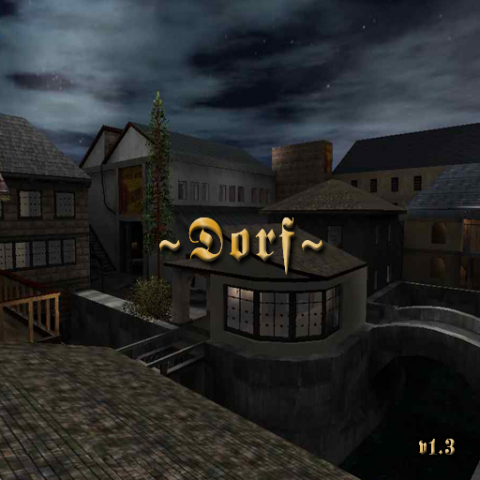
Dm Dorf
**The .map file has been uploaded as an extra file on this page.**
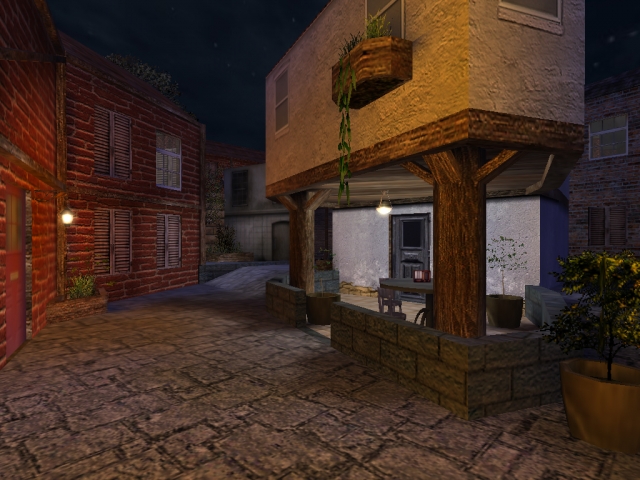
Dieppe
**The .map file has been uploaded as an extra file on this page.** Review by: jv_map Dieppe Dieppe is an interesting medium-sized DM/TDM map by the well-known mapper Mj. Presumably based on the events of August 19th, 1942 - when an Allied seaborne invasion of this town miserably failed, this map doesn't offer many leads to confirm so. It does however feature a marvellously architectured town, with plenty of narrow streets and alleys to fight about. Presentation / Technical Most of all this map shows its creator is a master of complex architecture. All buildings are built at odd angles instead of the all too familiar 90 degrees corners found in almost any map out there. It certainly helps to liven up the map and makes it look just that bit more natural. The author has also made significant height differences in the streets, a very nice touch for sure. Apart from these two aspects I have to mention the awesome detail found at some places in the maps. To mention but a few: I found a very original snake 'statue', some walls have individually mapped bricks, there are cobwebs at dark places, and the walls are littered with ivy. All of this leaves me no choice but to give the highest available mark for architecture, and it is well deserved. The texture work is good enough to get the job done, though not much more than that. A few custom textures were used, which is always a good thing, but their usage is too insignificant to give this map its own atmosphere. Some more textural variety would have made this map look considerably more natural. Nevertheless I found no major texture errors so this map still gets a decent mark for texturing. The map is set at night, which leaves some challenge to get the lighting right. The lighting I found has 2 small problems: there is too much of it and it is too colourful. During wartime the first to break are the street lights, so I found it disturbing to find them all alight. This is even worsened by the bright colouring of the lights, which inevitably makes the map look fake and bland. Fewer point lights and primarily a soft moonlight would have fit this map much better, and not have ruined the atmosphere. I decided to give a medium score for audio. The positional ambiences such as the radio playing are definately good additions, but the overal battle ambient sound just seems more suitable for a daylight map than this relatively peaceful town. Performance is moderate to bad when compared to original mohaa maps, but considering that most players by now have far more powerful hardware and the great detail found in this map to make up for the lower framerates I don't think this is a big issue. Some vising could have improved performance considerably, but it isn't really needed. For the technical aspects this leaves only the scripting to be reviewed. The script contains nothing special really, but the map just doesn't need a fancy script either. Hence an average mark here. Playability / Game Flaws Much to my pleasure I've had the chance to give this map a playtest with a handful of players. Sadly there are few open spaces where combat naturally concentrates, leaving mostly occasional skirmishes and no larger battles. However this map can still be good fun with the right players and a roadmap to find your way in the mazy alleys and erratically constructed buildings. You will mostly experience close to very close range combat, as there is little opportunity to get a clear long-range shot. I found a few drawbacks that would classify as game flaws. Most notably the spawn points of both teams are all placed very closely together which makes gameplay unnecessarily monotonuous. Also I found the Allies have a definite advantage, as their spawnpoints provide better cover opportunities and allow them to engage the Axis from a superior position. Finally I must note the numerous doors, which sometimes open towards you, pushing you aside. Even though real doors can only open to one side, this detracts from the playability: you will be forced to fight doors instead of players. Conclusion All-in-all Dieppe is a very original map, excelling in its phenomenal architecture but lacking a true war atmosphere. Playability and fun are at a medium level, with seemingly insufficient thought gone into gameplay. Nevertheless it is well worth a download, even if it were only to admire the breathtaking detail found literally everywhere.
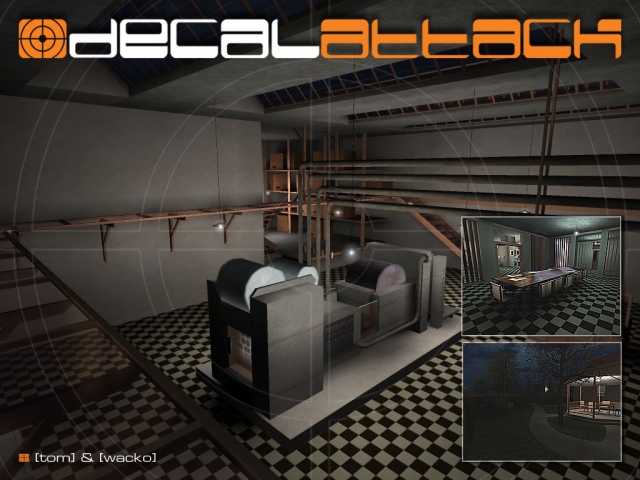
Dm Decalattack
**The .map file has been uploaded as an extra file on this page.**
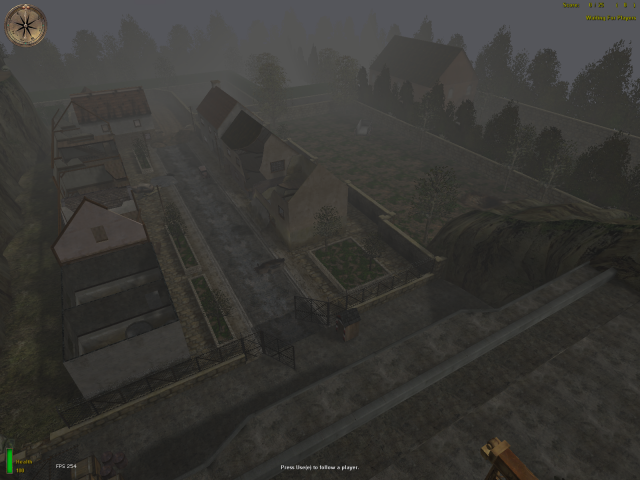
Obj Clifftop
**The .map file has been uploaded as an extra file on this page.**
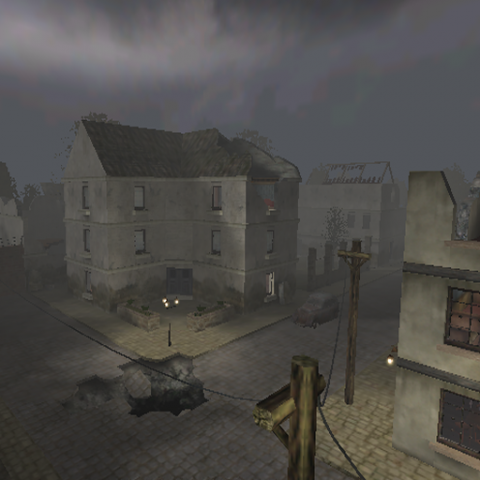
Bombedvillage
**The .map file has been uploaded as an extra file on this page.** Review by: General Death Bombed Village Bombed Village is a small war torn town consisting of several multi-level buildings with streets running through them. This map seems to run well in MoH:AA and SH. The brushwork is very basic in this map but keep in mind this is the authors first map released so taking that into consideration he had done a good job. Presentation / Technical Lets go down the list of scoring and discuss each area. Texturing was really basic with the same couple of textures used throughout the map. It was nice to see though that about 98% of them were applied correctly and I didn’t find Z-fighting...very nice sir. In your next released map don’t be afraid to use more of a variety and even some custom ones. Lighting was adequate and fitted the theme. Overall the lighting produces the correct effect. Nothing seemed out of place. Brushwork was very basic other than the fact of some work to create all of the destroyed areas. I would have liked to see a little more detail for example door frames and window frames...basic things that all buildings have. There were some varied areas in the terrain, which broke up the fact that the map is 80% flat. As far as Creativity and Theme are concerned there is not allot that can be discussed since this concept has been done thoroughly. Everything though tied in well to the theme. Now that you have the fundamentals down in your next release try to thing of a theme not dealt with yet that the Mohr can handle. Playability / Game Flaws Well unfortunately I didn’t get to play this map online due to a lack of it being in a rotation. I can tell you that from the spawns that I saw I think some thought has went into the layout. I saw only maybe four flaws that stood out...two textures and one thin, long hole in a wall that didn’t seem planned..and an area that appeared with a help of a player that I could have got out side of the map but I’m not sure on that. Performance seemed very stable which got the highest marks...again great job sir. Conclusion Being his first map I think this is a prime example of what one can do with the help that now exists in the modding community. Everything was neat and clean with minor flaws. I still hope to play this on a server to really see what it can do. This is a good average map that I think can provide a good slot in your map rotation for servers around 6-12 players.
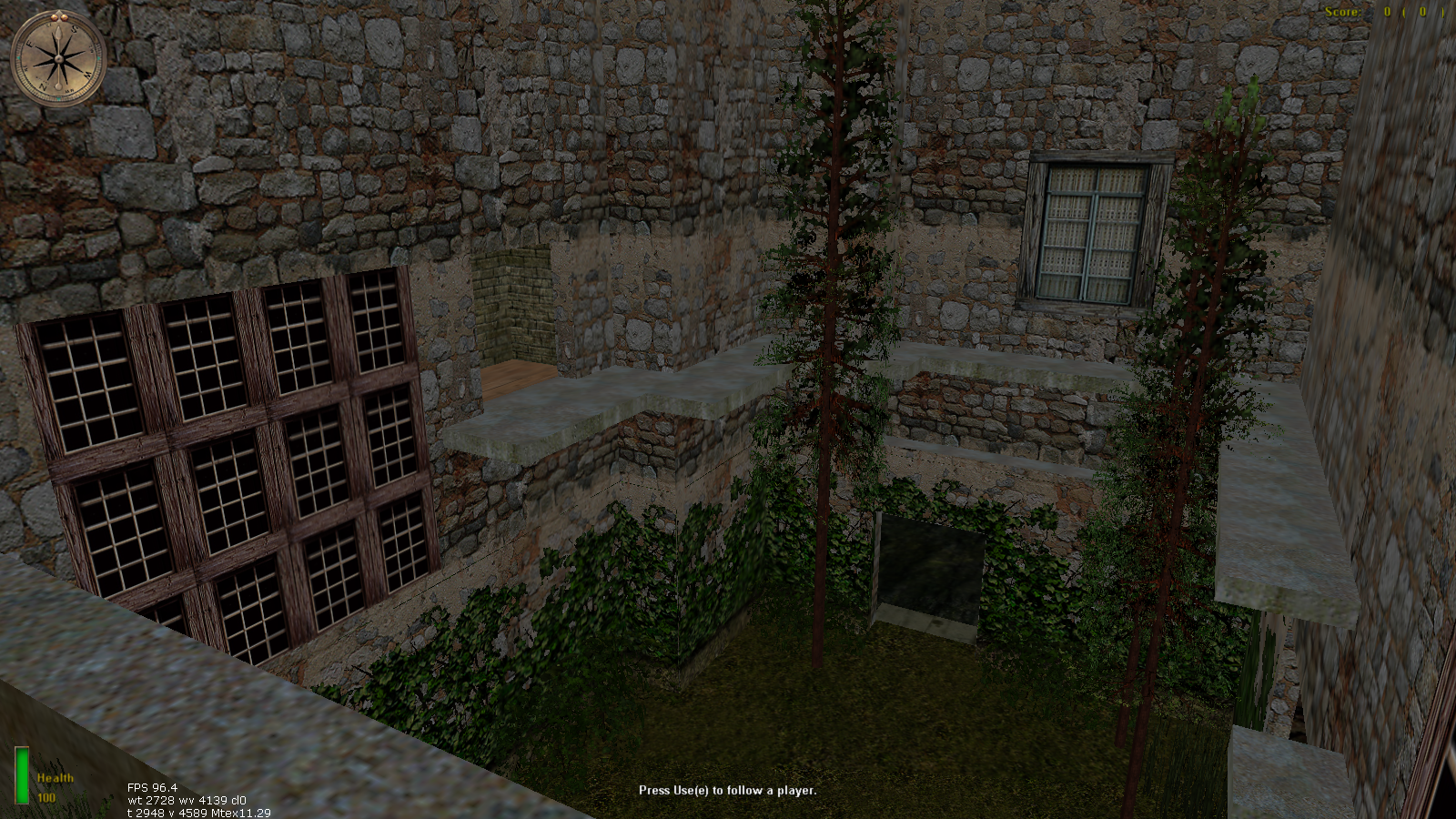
Pluto
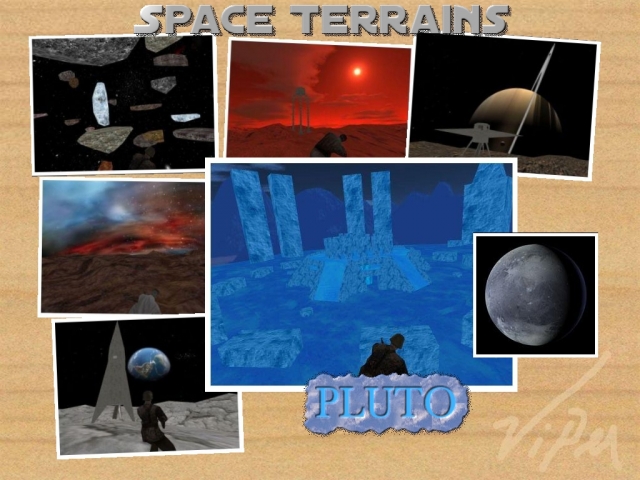
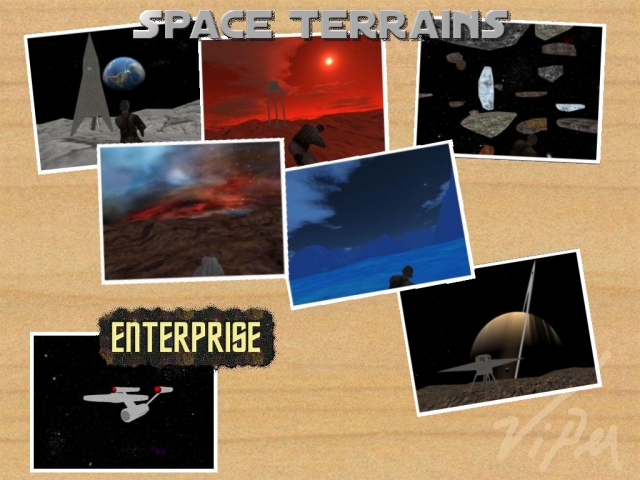
This map exists out of 2 maps. You can only see 1 of the maps at a time. To change the map, type the following into console: rcon ts_pluto 2 (1-2 is possible) rcon restart The map command (dm/pluto) will always stay the same. This map = ts_pluto 2
Titan
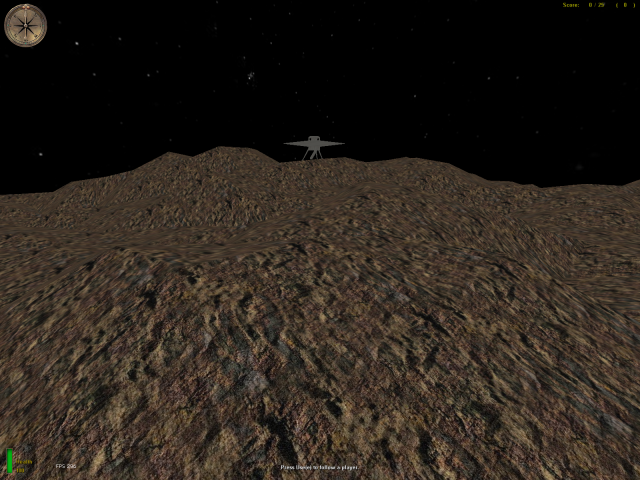
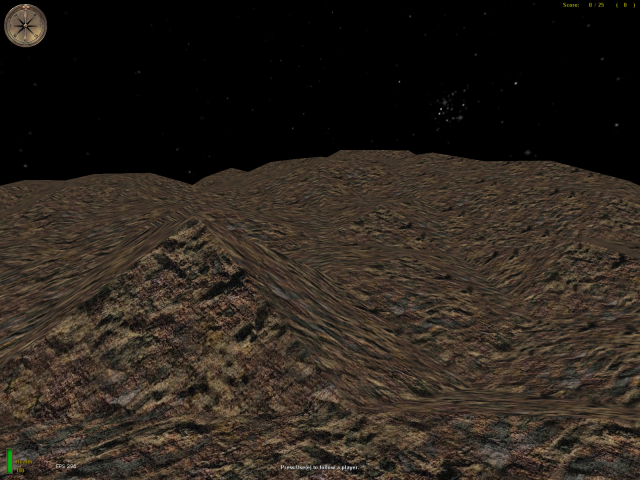
This map exists out of 2 maps. You can only see 1 of the maps at a time. To change the map, type the following into console: rcon ts_titan 2 (1-2 is possible) rcon restart The map command (dm/titan) will always stay the same. This map = ts_titan 1
Titan
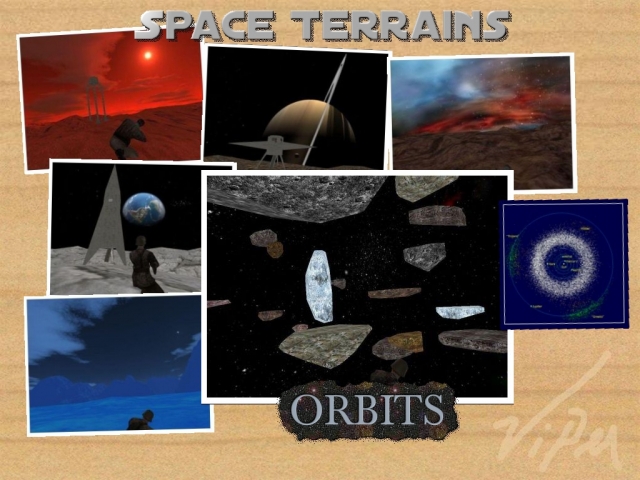
This map exists out of 2 maps. You can only see 1 of the maps at a time. To change the map, type the following into console: rcon ts_titan 2 (1-2 is possible) rcon restart The map command (dm/titan) will always stay the same. This map = ts_titan 2
Orbits
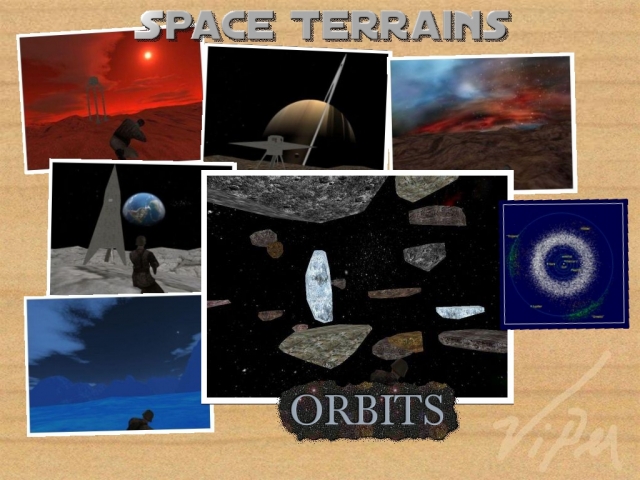
This map exists out of 2 maps. You can only see 1 of the maps at a time. To change the map, type the following into console: rcon ts_orbits 2 (1-2 is possible) rcon restart The map command (dm/orbits) will always stay the same. This map = ts_orbits 1
Orbits
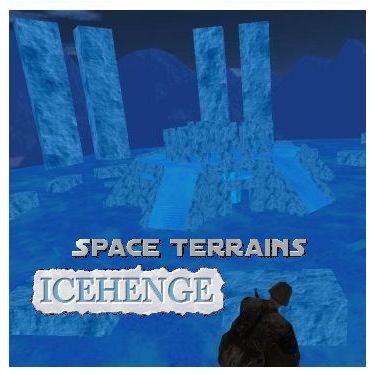
This map exists out of 2 maps. You can only see 1 of the maps at a time. To change the map, type the following into console: rcon ts_orbits 2 (1-2 is possible) rcon restart The map command (dm/orbits) will always stay the same. This map = ts_orbits 2
Pluto
This map exists out of 2 maps. You can only see 1 of the maps at a time. To change the map, type the following into console: rcon ts_pluto 2 (1-2 is possible) rcon restart The map command (dm/pluto) will always stay the same. This map = ts_pluto 1
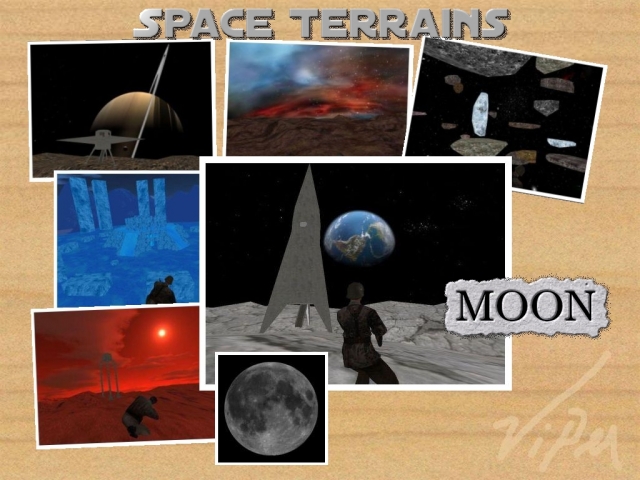
Moon
This map exists out of 2 maps. You can only see 1 of the maps at a time. To change the map, type the following into console: rcon ts_moon 2 (1-2 is possible) rcon restart The map command (dm/moon) will always stay the same. This map = ts_moon 2
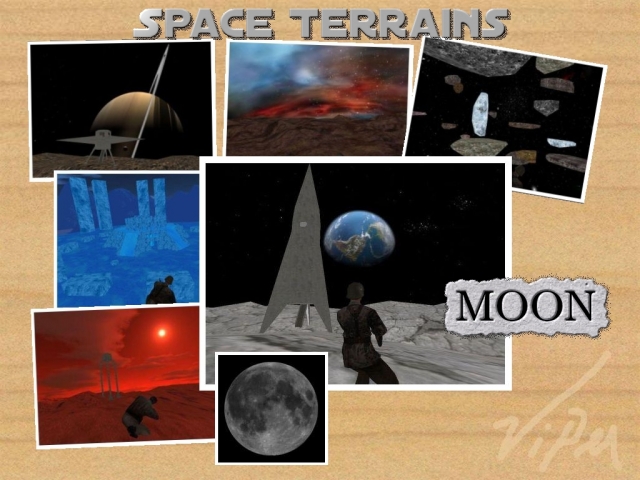
Moon
This map exists out of 2 maps. You can only see 1 of the maps at a time. To change the map, type the following into console: rcon ts_moon 2 (1-2 is possible) rcon restart The map command (dm/moon) will always stay the same. This map = ts_moon 1
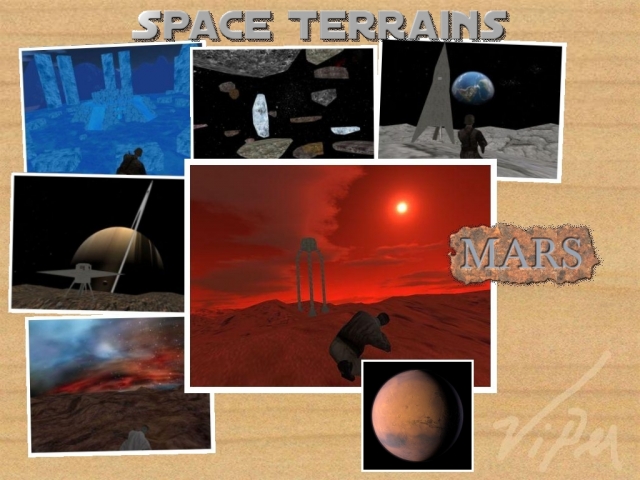
Mars
This map exists out of 2 maps. You can only see 1 of the maps at a time. To change the map, type the following into console: rcon ts_mars 2 (1-2 is possible) rcon restart The map command (dm/mars) will always stay the same. This map = ts_mars 2
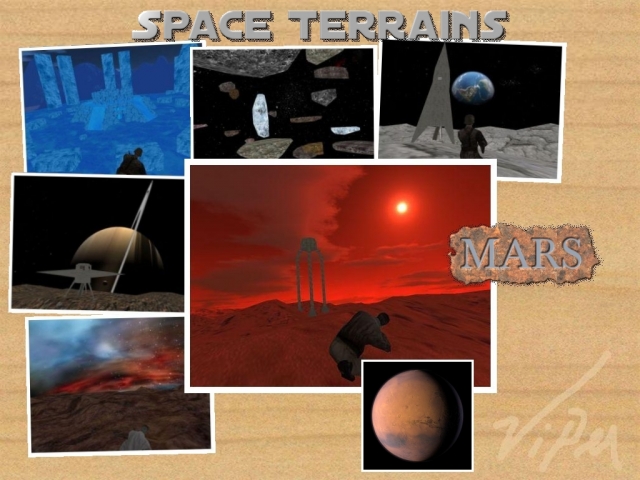
Mars
This map exists out of 2 maps. You can only see 1 of the maps at a time. To change the map, type the following into console: rcon ts_mars 2 (1-2 is possible) rcon restart The map command (dm/mars) will always stay the same. This map = ts_mars 1
Medal of Honor: Allied Assault Maps (MOHAA) — Custom Arenas & Classic Battlegrounds
Explore the world's most extensive archive of MOHAA custom maps, multiplayer battlegrounds, and singleplayer missions. Powered by the id Tech 3 engine (Quake III Arena) and created with Radiant, Medal of Honor: Allied Assault introduced some of the most memorable level design in tactical WWII shooters. MOH-DB hosts and preserves over 2,500 community-crafted maps spanning every competitive and cooperative game mode.
MOHAA Game Modes & Map Prefixes Explained
Objective Mode (OBJ)
The pinnacle of competitive MOHAA. Allies attempt to plant explosives, steal secret radar documents, or sabotage infrastructure while the Axis defends. Famous stock examples include V2 Rocket Facility (obj_team2), Omaha Beach (obj_team1), and The Hunt (obj_team4).
Deathmatch & TDM
Fast-paced arena combat with instant respawns and tactical weapon placements. Iconic maps like Stalingrad (mohdm6), Southern France (mohdm1), and Remagen (mohdm7) offer multi-level verticality, sniper towers, and close-quarters infantry corridors.
Freeze Tag (FT)
One of the most beloved multiplayer mod modes in MOHAA history. When a soldier is eliminated, they turn into a frozen ice block. Teammates must stand nearby to thaw and revive them. The round is won when an entire opposing team is frozen simultaneously.
Round-Based Elimination
Pure clan warfare without respawns or bomb objectives. Each player has only one life per round, making tactical corner-peeking, smoke grenades, callouts, and sound discipline vital. Widely played in European leagues like ClanBase, CAL, and ESL.
Stock Maps vs Custom MOHAA Maps
★ The 11 Legendary Stock Maps
When 2015, Inc. shipped Medal of Honor: Allied Assault in January 2002, the game included 11 multiplayer maps that permanently shaped tactical FPS design:
- Southern France
mohdm1 - Destroyed Village
mohdm2 - Remagen
mohdm3 - Crossroads
mohdm4 - Snowy Park
mohdm5 - Stalingrad
mohdm6 - Algiers
mohdm7 - Omaha Beach
obj_team1 - V2 Rocket Facility
obj_team2 - The Bridge
obj_team3 - The Hunt
obj_team4
⚡ 2,500+ Community Custom Maps
Community mappers extended the life of Medal of Honor for decades using MOHRadiant, GTKRadiant, and custom Moorish, European, and Pacific texture packs. Community creations include:
Console Commands & Map Installation
📥 How to Install Map .pk3 Files
- Download the custom map file from MOH-DB (usually packaged as
mapname.pk3). - Move the
.pk3file into your main game directory:C:\Program Files (x86)\EA GAMES\MOHAA\main\ - For Spearhead expansion maps, place files into
/mainta/; for Breakthrough, place them into/maintt/. - Launch Medal of Honor. Custom maps will automatically appear in your local Create Server list!
⌨️ Loading Maps via In-Game Console
Press the tilde key (~) to drop down the developer console, then run:
Frequently Asked Questions about MOHAA Custom Maps
To install custom MOHAA maps, download the .pk3 file and copy it into your game's /main/ directory (or /mainta/ for Spearhead, /maintt/ for Breakthrough). The map will immediately show up in your offline and multiplayer Create Server map rotation list.