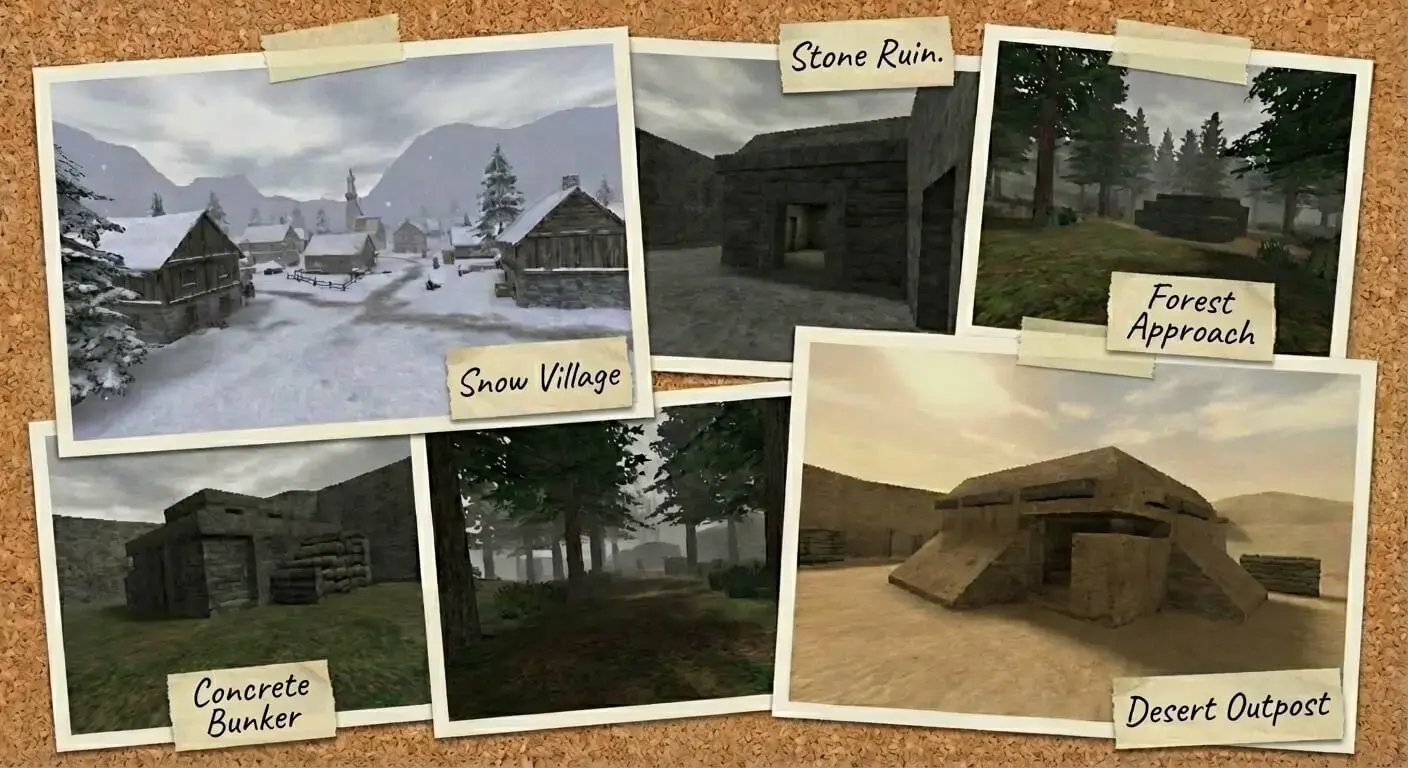
MOHAA Custom Maps & Levels (Medal of Honor Allied Assault)
Experience new battlefields and scenarios with these expertly crafted custom maps for Medal of Honor: Allied Assault.
2530 Maps Found
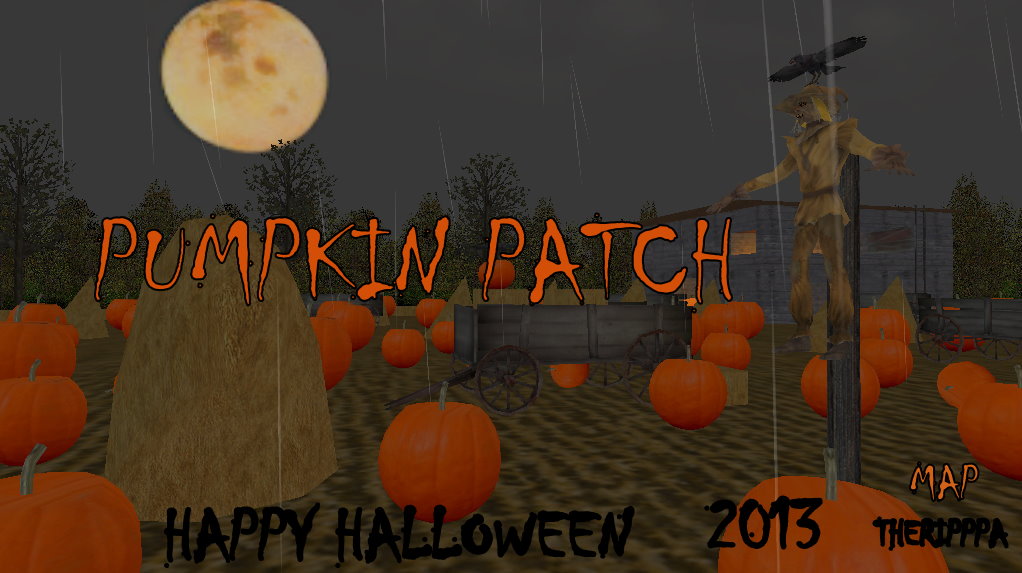
Pumpkin Patch
A 2013 Halloween map! Pumpkin & Scarecrow skins are available in the Skin Database.
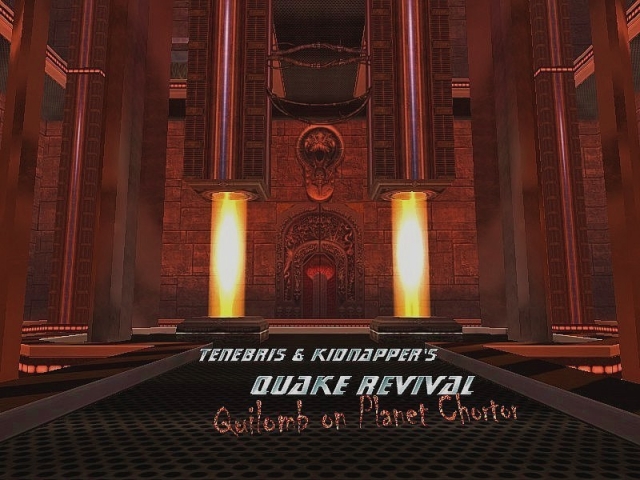
Dm Quake Revival
This map has been made with textures imported from Quake 3 Arena, a lot of work has gone into this. You forget youre playing MoH:AA when you are playing this map. Description from Authors: A very crazy, absolutely nothing to do with the MOH world. But, since we started mapping for Quake 3, it was just natural we went back to it. So, here it goes this adaptation of that great game to Medal. Map is, from the mapping point of view, impressive (yeah, were pretty much proud of it). On the texturing side, its 100% custom, and theres not a single original texture in it - All textures come from the Quake games, from where we adapted some of the most impressive texturing effects. We got pretty damn good at shadering, so youll find here really cool Steel, Chrome and Tin effects, moving lights and animmaps (animations over texture), hellish animated skybox, pools of acid slime and rivers of volcanic lava... And on the lightning side, we didnt just limit ourselves to the usual radial and sun lights, but we took spherical light to the limit, making textures to be the actual emitters of light, to the point on which we believe youll find the entire maps lightning quite impressive... And, still, the map has 4 fully operative independent elevators, 4 teleports, many jumppads and lots more of all that insane stuff that was the everydays bread in the Quake world... Map even counts with its own Soundtrack (see readme.txt for installation). Review by: Mj Quake Revival Although a large pk3, it is worth every byte. No MoHAA textures are used here; Old and absolutley wonderful textures ported from Quake come to our very own engine. These textures, put together with some skillful shadering and scripting, come together to make a revolutionary map. Presentation / Technical Usually, I like to leave the best till last. But, as my reviewing style has set in, I shall start with the textures first. Awesome. 100% fully custom, with some reflection effects, animated textures, and some purely skillful usage of the shader commands to make you stare. Some of the textures were very, very highly detailed, but others had unfortunatley lost their sharpness, which was a bit of a shame. But that is just a scratch on a diamond. A 24 carat diamond. Lava, sludge, crazy telepads, jump pads... The swirling red sky is worth a mention of its own! Top marks. I got a feeling the architecture was only there to support the textures, it was a little basic. But, it got the job done, and their are some nice touches. Some nice basic meshwork, for arches and twisting corridors, some nice, but slightly blocky chandaliers and such all contributed to the basic atmosphere which gave the map a sleek feel; built for practicality, not style. Lighting was good, some light emitting textures, some great colours used to match the theme of the rooms, some very impressive particle effects used to give the windows the beam effect. The lighting really did help the atmosphere tremendously. Good marks here. The little farplane used was unseeable from close, and seeable over a long distance which was a good touch, and gave a steamy effect to the big lava filled room. The map was good and appropriatley gloomy, which was nice and fitting. The soundtrack was great background music, good to sound cool, and good to be able to ignore. I found it a little wierd there seemed to be a battle going on outside, though... Custom sounds for jump pads and the other unique features of this map were fantastic, and the music covered up for a bit of a useless ambientsound. Good marks are in order. Well. Theme and creativity I am to cover in this paragraph. I could just cover it with a simple Great score here!. This maps creativity. As usual, my roommate came up with an approprate comment: -RM What game ya playing? -Mj MoHAA -RM No really, what game are you playing? (looks at HUD) Urm, Something cool has happened to your MoHAA... I think that just about sums it up. Highly creative, unMoH like, and very cool. Well, I was thinking, how creative is a re-make? Its still creative enough, though, to get a good mark. Playability / Game Flaws There are a couple of dead ends, which could affect gameplay, and some teleporters only went one way, but otherwise I reckon this map would be great to play. The map runs at a great FPS, so trouble with performance should be non-existant. The two creators have improvised the MoH gameplay, by taking away the primary weapon on spawn, and in true Quake style, weapons are littered around the map, which is a fun new way to play MoH. One qualm is that this map is quite large and complex, so it could be quite hard to play with only a few people, but that is quite a minor issue. Conclusion MoH:Quake, anyone? A fun new way to play, and a fun new map to play in, with a whole fun new environment that looks as if it belongs to a great old game... A great remake of an old classic. Well done, guys; Get this map now! INSTRUCTIONS FOR INSTALLING AND UN-INSTALLING THE MAP: To Install the map: 1- Open the file DM-Quake_Revival.zip (what you have, obviously, already accomplished) and just copy the file user-DM_Quake_Revival.pk3 into your MOHAAs /main folder (by default, C:/Program Files/MOHAA/main ). 2- Then, copy the file Sonic3.wav into your MOHAAs /main/sound/mechanics folder (by default, C:/Program Files/MOHAA/main/sound/mechanics ). (The file Sonic3.wav is just the maps soundtrack, and its optional. The map will run the same without this file, just that without music. You can delete it at any time if you dont want to hear music anymore, or replace it for any other .wav file as long as you rename that new file as Sonic3.wav before running the map). ---------------------- To Un-Install the map: 1- Remove the file user-DM_Quake_Revival.pk3 from your MOHAAs /main folder (by default, C:/Program Files/MOHAA/main ). 2- Then, remove the file Sonic3.wav from your MOHAAs /main/sound/mechanics folder (by default, C:/Program Files/MOHAA/main/sound/mechanics ). (In any case, you can choose to leave the file Sonic3.wav undeleted, since it wont bring any inconvenience at all when running the game normally).
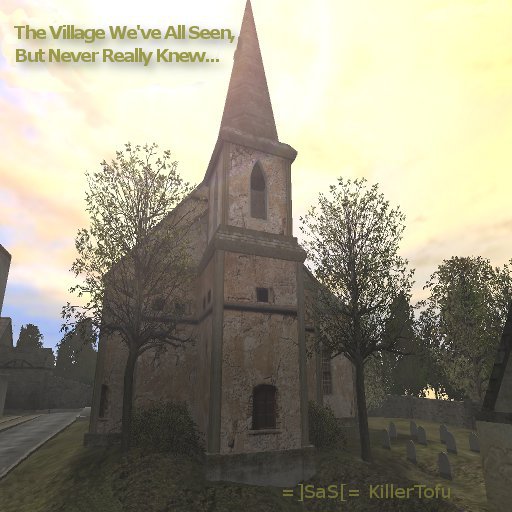
Restored Village
A revamped version of Destroyed Village. This time it's not destroyed. "Have you ever wondered what the destroyed village may have looked like before the bombs and bullets? Well, Now is your chance... This map was built ontop of the Mohaa Source map of Destroyed Village released by EA. All of the destruction has been removed, and fresh paint, walls and roads have been created. I know this is very late to the mohaa scene, but it is worth a look. Please sit back and enjoy what the destoyed village could have been."
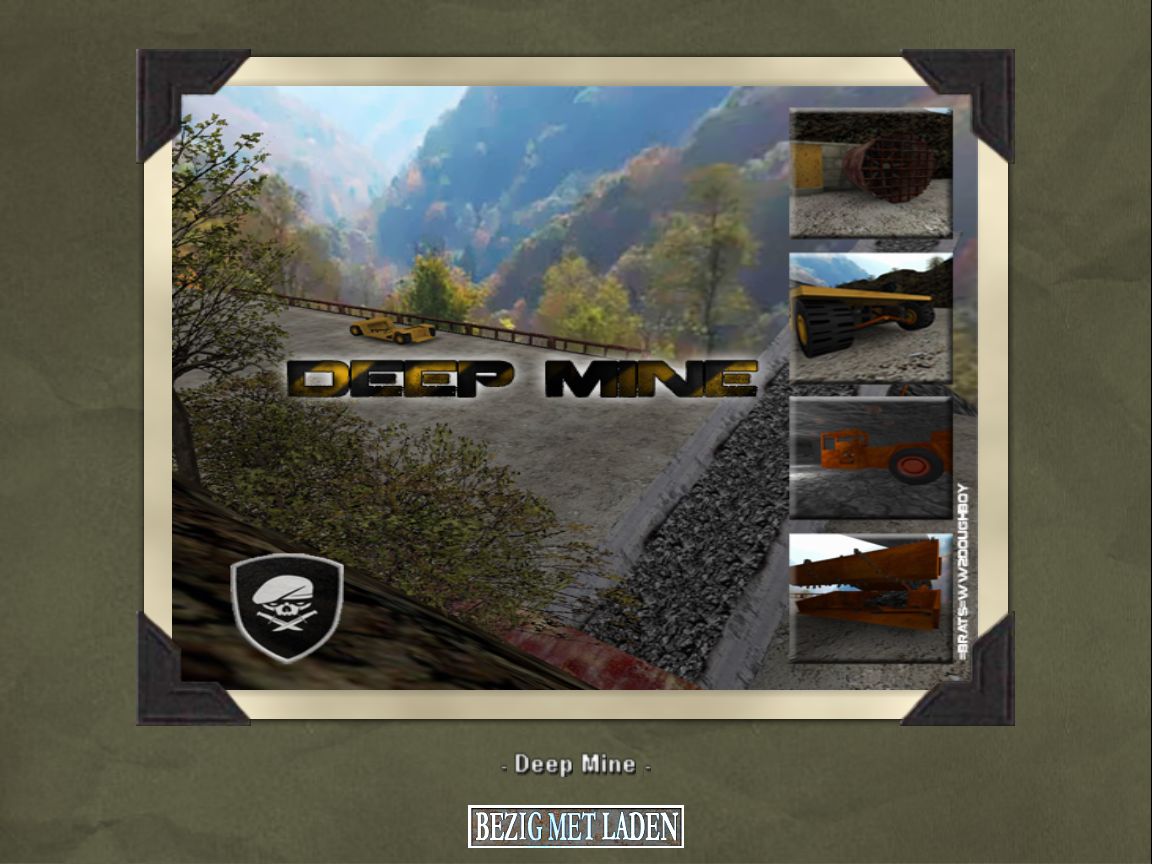
Deepmine
// DEEP MINE, This map layout is based on the Underground Coal Mines found in East Ky. // an Objective, and other frills were added for an more interesting Gaming Experiance. // Special Thanks go out to, My Dad [ a 30+yr retired Coal Miner ] who answered many // questions I had during this Project. Also, I want to Thank Splatterguts, Maverick // [ Scripting ] and Uberbadmedicine [ map ideas and help ]. This map took 5 months to // complete, I hope you enjoy it ! It will most likely be my last. completed 9/17/2013 // // ARCHITECTURE: DOUGHBOY email me at brokin8ball26@yahoo.com // FREEZETAG LOCATIONS: MAVERICK // SCRIPTING: SPLATTERGUTS & MAVERICK // AUTO/GEN MODELS: CUBUS & STORM [I edited some textures for better map intergration] // VARIOUS ISSUE HELP: ModTheater and .MAP Forum Members. Just to many users to name // Thats all Folks load up MOHAA and play For the freezetag locations to work on this map, you need to cut/copy the mapdesc.scr out of this .pk3 [ located in this .pk3 in the FT-Locations Folder ] Then paste it into your global/libmef folder located in your freezetag pk3 file and save it. Then simply Drop this .pk3 into your MOHAA/MAIN. Huge Thanks to =BRATS=MAVERICK for doing the freezetag locations for this map.
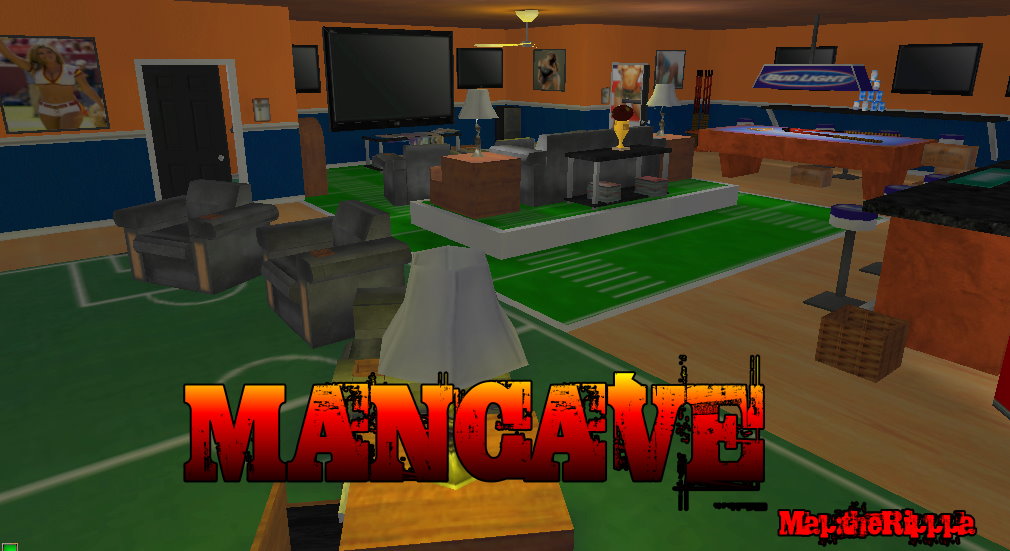
Mancave Aa
A very nice 'ToySoldier' style map. Every object has been enlarged a lot so that you as a player look smaller. It's a real mancave (big screen tv's, booze, sports, naked women). Few hidden ladders and teleporters here and there!
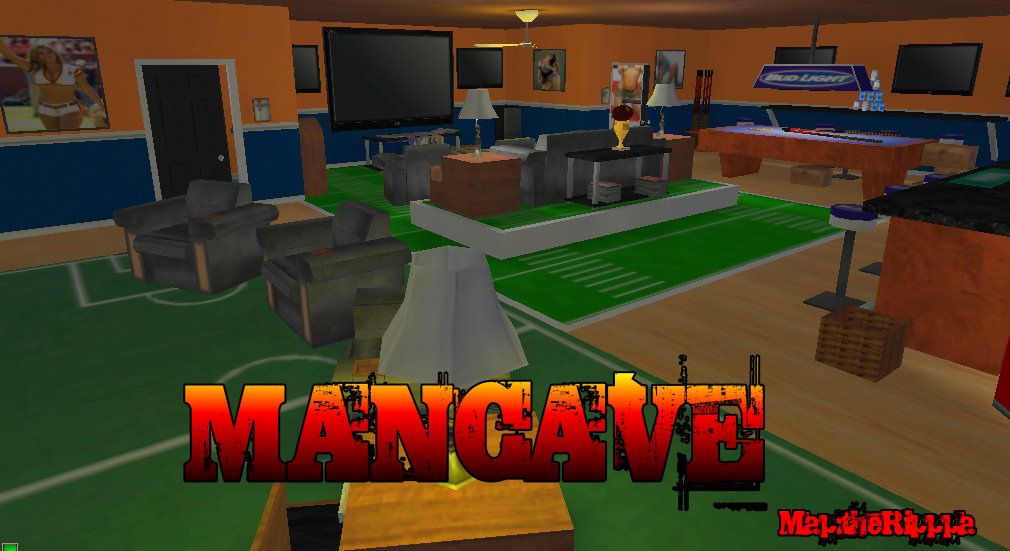
Mancave
A very nice 'ToySoldier' style map. Every object has been enlarged a lot so that you as a player look smaller. It's a real mancave (big screen tv's, booze, sports, naked women). Few hidden ladders and teleporters here and there!
DM4 SNIPERS HEAVEN
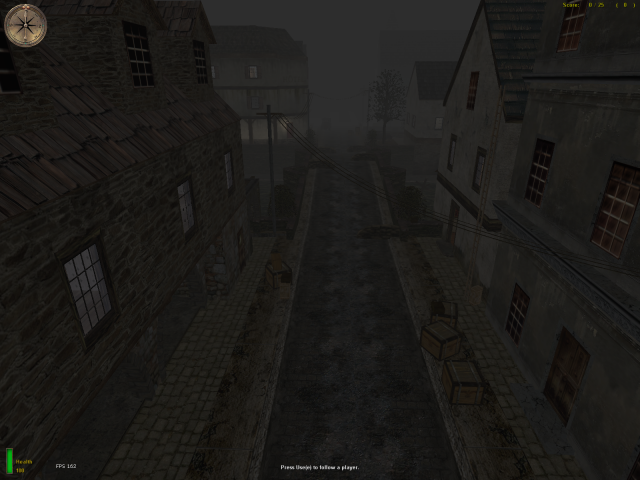
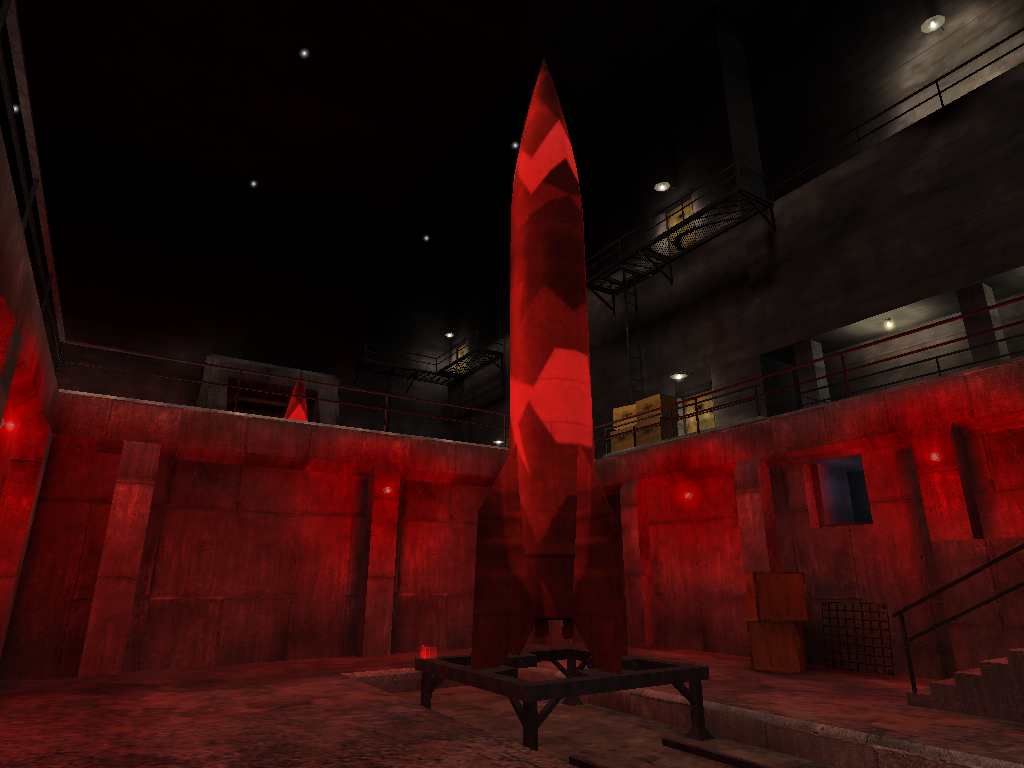
Little tiny texture bug found in sewers. Not damaging to gameplay.
Piratecove Aa
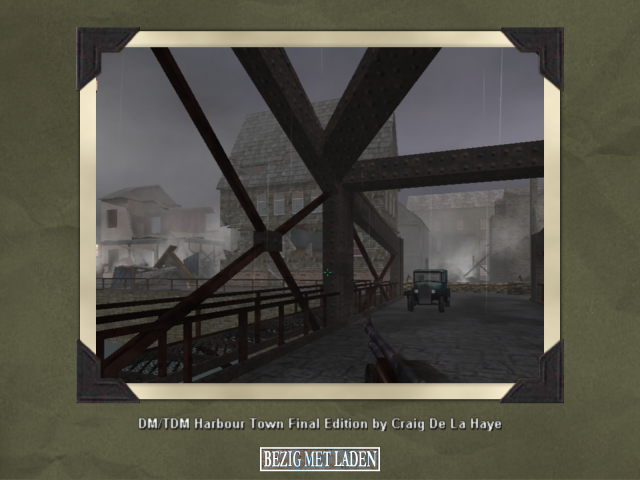
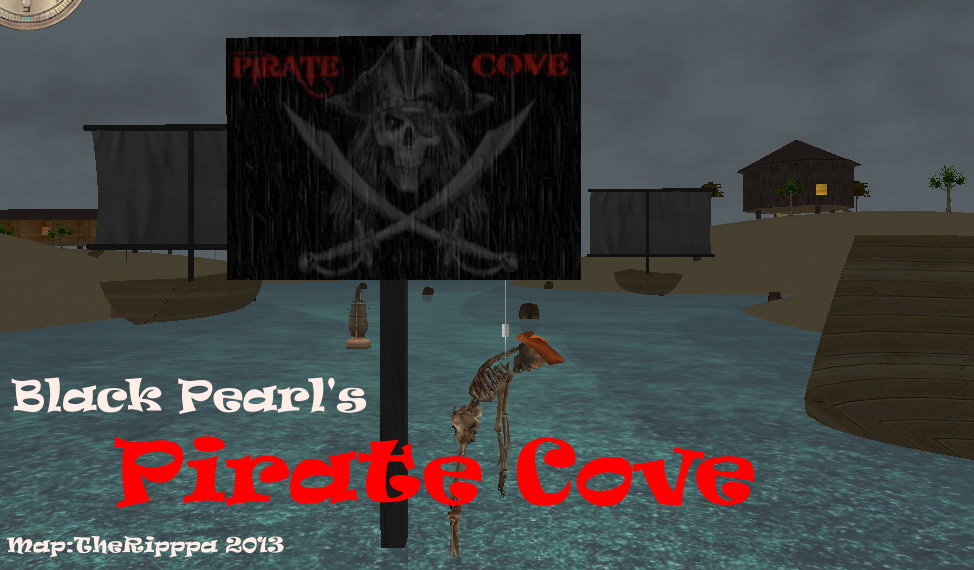
The .MAP file is included within the pk3. The map is a bit buggy in AA, the loading screen is missing and the view is blurred (some kind of motion blur).
Northpole Aa
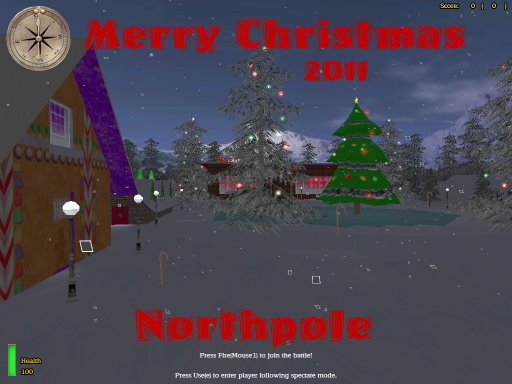
2nd Map Pack for the Christmas Snow-Ball Only server !!! This contains a new map, new mod and a new skin !! Its got christmas music, flying sleighs, reindeers, snow, christmas tree, ice and many more features ! At some points it has a FPS drop but hey, its all for fun !!
Piratecove
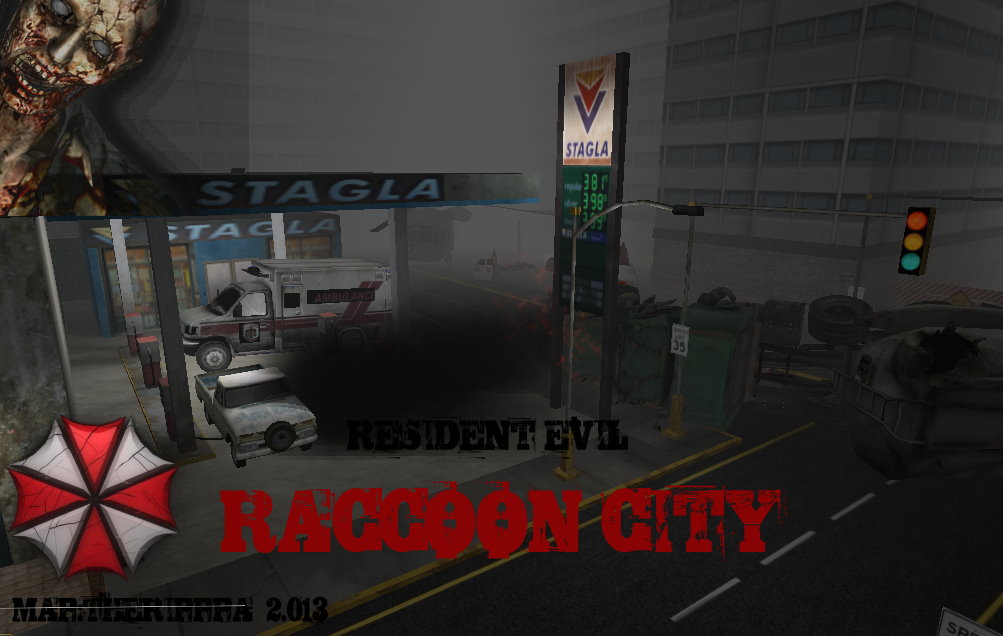
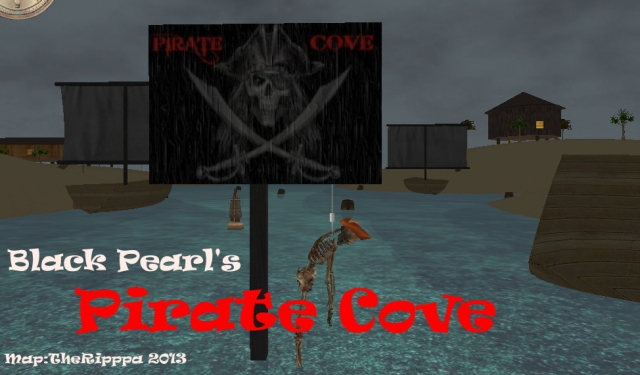
This map will load in AA, only the sky/background textures are missing. It works perfectly in SH! Its a fun map with the Black Pearl (pirateship from Pirates of the Caribbean) and some small islands surrounding it with shelters and treasures! Some cool pirate skins are included in the extra files! .MAP file is included within the pk3 file!
Lod Test
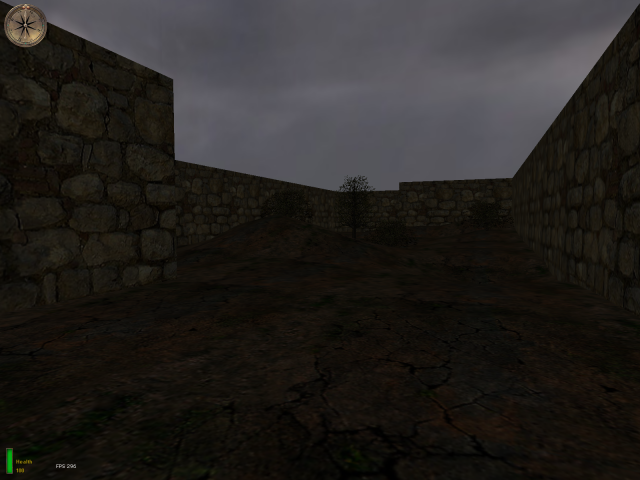
A small map made to show LOD Terrain. (.MAP file is included.)
Medal of Honor: Allied Assault Maps (MOHAA) — Custom Arenas & Classic Battlegrounds
Explore the world's most extensive archive of MOHAA custom maps, multiplayer battlegrounds, and singleplayer missions. Powered by the id Tech 3 engine (Quake III Arena) and created with Radiant, Medal of Honor: Allied Assault introduced some of the most memorable level design in tactical WWII shooters. MOH-DB hosts and preserves over 2,500 community-crafted maps spanning every competitive and cooperative game mode.
MOHAA Game Modes & Map Prefixes Explained
Objective Mode (OBJ)
The pinnacle of competitive MOHAA. Allies attempt to plant explosives, steal secret radar documents, or sabotage infrastructure while the Axis defends. Famous stock examples include V2 Rocket Facility (obj_team2), Omaha Beach (obj_team1), and The Hunt (obj_team4).
Deathmatch & TDM
Fast-paced arena combat with instant respawns and tactical weapon placements. Iconic maps like Stalingrad (mohdm6), Southern France (mohdm1), and Remagen (mohdm7) offer multi-level verticality, sniper towers, and close-quarters infantry corridors.
Freeze Tag (FT)
One of the most beloved multiplayer mod modes in MOHAA history. When a soldier is eliminated, they turn into a frozen ice block. Teammates must stand nearby to thaw and revive them. The round is won when an entire opposing team is frozen simultaneously.
Round-Based Elimination
Pure clan warfare without respawns or bomb objectives. Each player has only one life per round, making tactical corner-peeking, smoke grenades, callouts, and sound discipline vital. Widely played in European leagues like ClanBase, CAL, and ESL.
Stock Maps vs Custom MOHAA Maps
★ The 11 Legendary Stock Maps
When 2015, Inc. shipped Medal of Honor: Allied Assault in January 2002, the game included 11 multiplayer maps that permanently shaped tactical FPS design:
- Southern France
mohdm1 - Destroyed Village
mohdm2 - Remagen
mohdm3 - Crossroads
mohdm4 - Snowy Park
mohdm5 - Stalingrad
mohdm6 - Algiers
mohdm7 - Omaha Beach
obj_team1 - V2 Rocket Facility
obj_team2 - The Bridge
obj_team3 - The Hunt
obj_team4
⚡ 2,500+ Community Custom Maps
Community mappers extended the life of Medal of Honor for decades using MOHRadiant, GTKRadiant, and custom Moorish, European, and Pacific texture packs. Community creations include:
Console Commands & Map Installation
📥 How to Install Map .pk3 Files
- Download the custom map file from MOH-DB (usually packaged as
mapname.pk3). - Move the
.pk3file into your main game directory:C:\Program Files (x86)\EA GAMES\MOHAA\main\ - For Spearhead expansion maps, place files into
/mainta/; for Breakthrough, place them into/maintt/. - Launch Medal of Honor. Custom maps will automatically appear in your local Create Server list!
⌨️ Loading Maps via In-Game Console
Press the tilde key (~) to drop down the developer console, then run:
Frequently Asked Questions about MOHAA Custom Maps
To install custom MOHAA maps, download the .pk3 file and copy it into your game's /main/ directory (or /mainta/ for Spearhead, /maintt/ for Breakthrough). The map will immediately show up in your offline and multiplayer Create Server map rotation list.