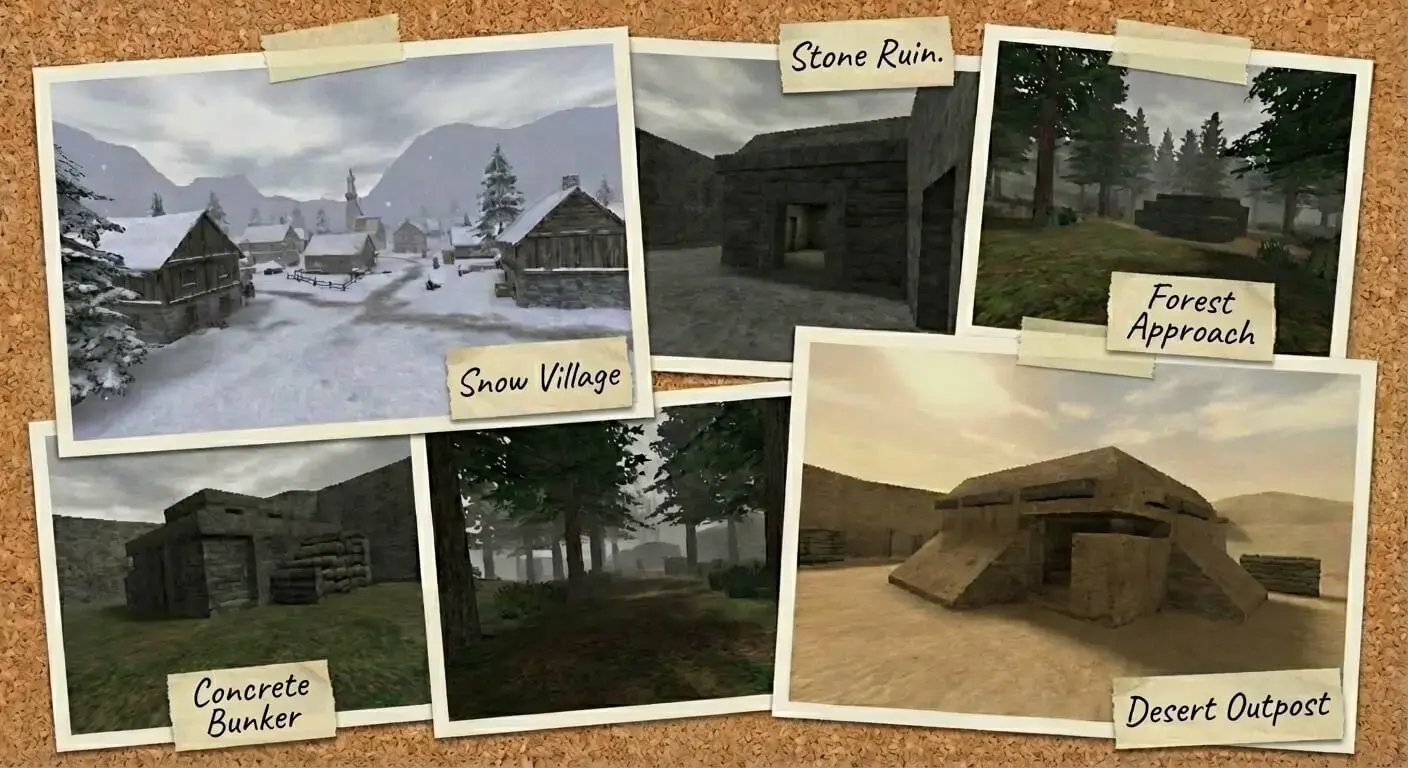
MOHAA Custom Maps & Levels (Medal of Honor Allied Assault)
Experience new battlefields and scenarios with these expertly crafted custom maps for Medal of Honor: Allied Assault.
2530 Maps Found
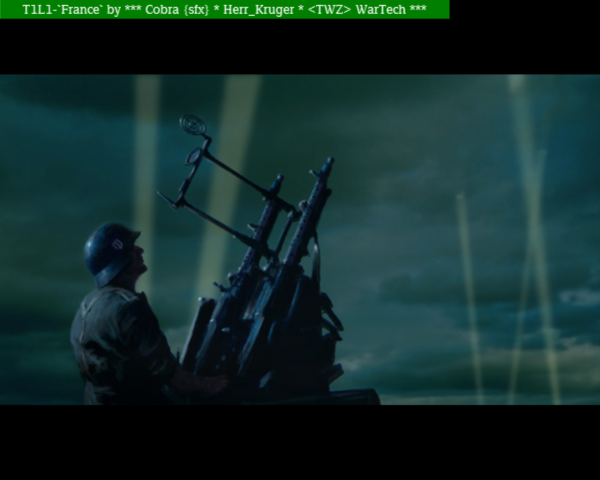
t1l1
A Single Player to Multiplayer conversion. The file might bug with other files.
Stalingrad-the-return
The included .bsp file does not seem to work on AA & SH.
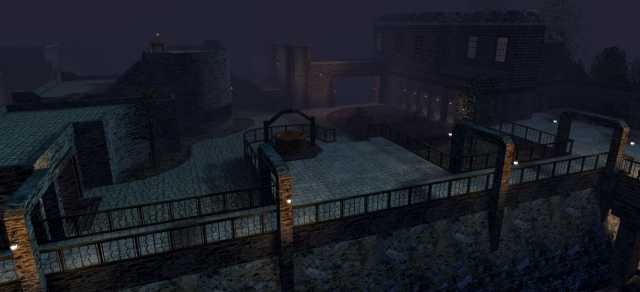
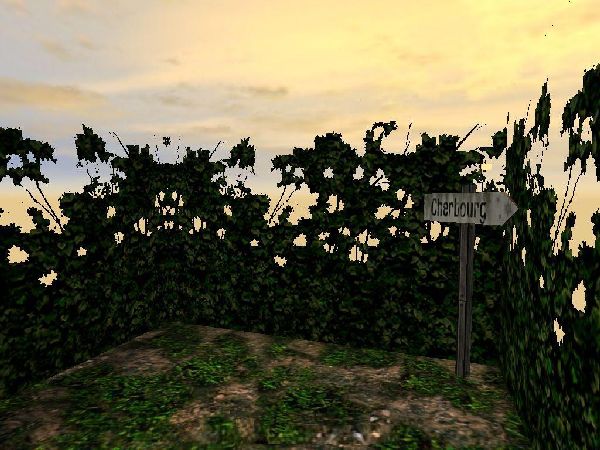
Mapswitch
To switch map, choose: 'St. Renan' Sign for Crossroads 'Cherbourg' Sign for Destroyed Village
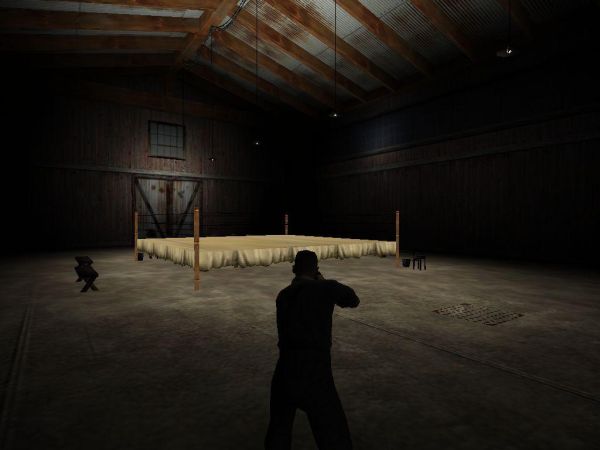
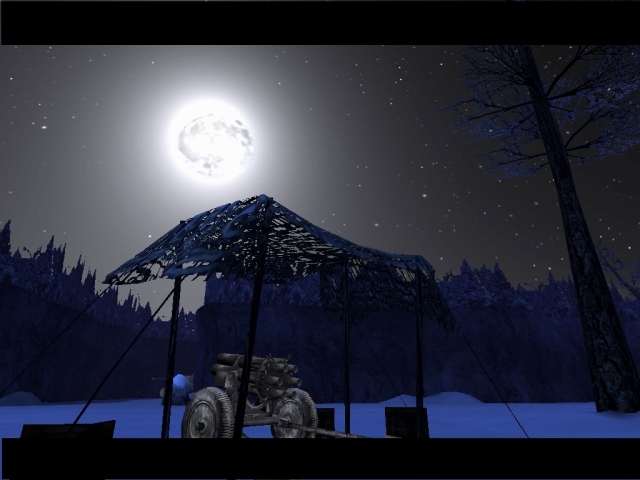
test_a_start_here
This map consists out of the following maps/missions: test_a_START_HERE test_ascent test_bunker test_catacombs test_escape test_final test_jump test_krugerland_campaign test_masbaden_dorf test_outpost test_ride test_schloss test_zcharge
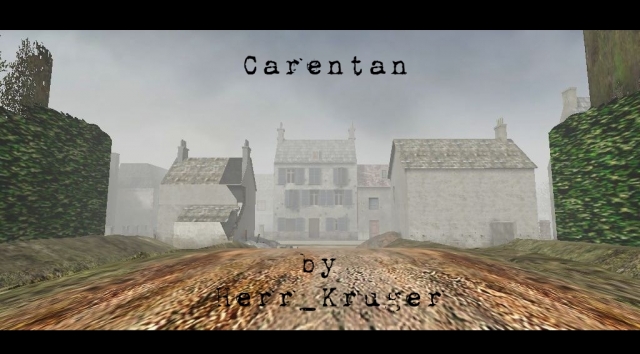
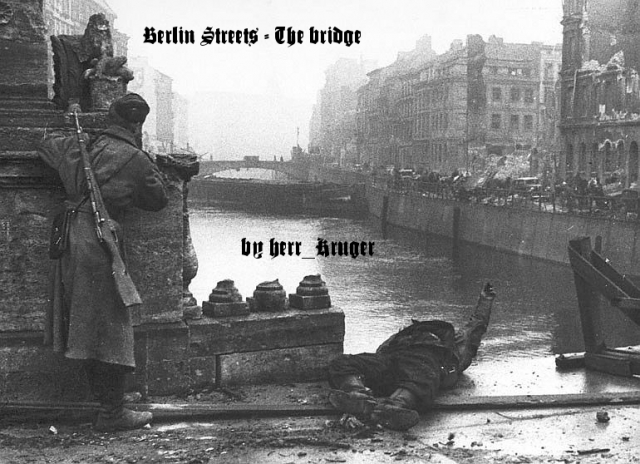
test_bridge
This file consists out of 2 maps/missions. test_bridge test_bridge2
alsace_start_here
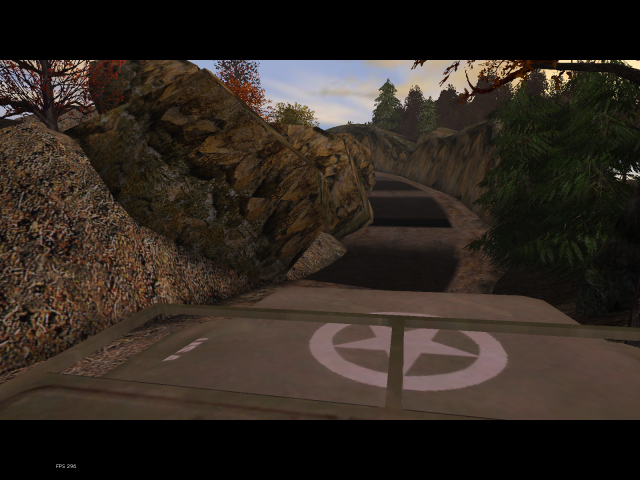
This file contains out several maps/missions. briefing/vc_brief0 briefing/vc_brief1 briefing/vc_brief2 briefing/vc_brief3 ALSACE_START_HERE test_vcs0l0 test_vcs1l1 test_vcs1l2 test_vcs1l3 test_vcs2l1 test_vcs2l2 This pack contains 3 files. 1) This doc (dooh), and the main packs vc_adon_pak0.pk3 and vc_adon_pak1.pk3 Put both pk3 files in your mohaa/main folder Fixed in 1.1 version Neufmaissons II - Dieter stopped moving at the flakk objective (sometimes) - Player can fall in lower elevators without gettingo out - Door near elevators can make Dieter getting stuck - Glitches in the flakk hall in last left room - Slow AI reaction when asking papers (easy level only) Before starting the Campaign It's recommended to remove other custom files out of your mohaa/main folder. Else you may have the rare occasion that some stuff might not work properly due to filename duplicates. How to start a custom SP map? Place your two pk3 in your Mohaa\main folfer Startup the game and open the console by hitting the ~ key Enter the "set developer 1" command. This wil enable the maplist Close the console by hitting the ~key again The maplist can be found in the brown list located between the dooropening to the briefing room and the dooropening to the multiplayer room Use the maplist to select and double click on the one you wanna start. Select the alsace_start_here.bsp You will start with the skill selection map. Choose a level that fits your skills.
Briefinglacoupole
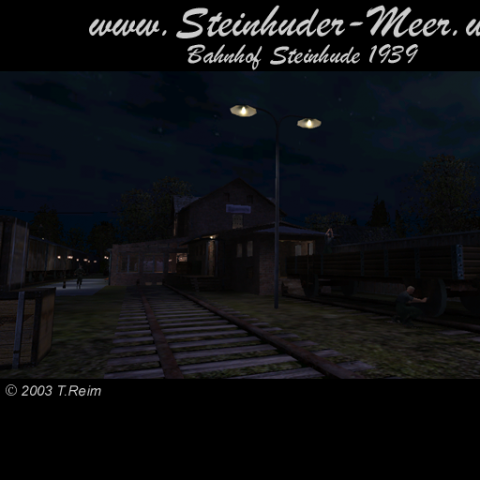
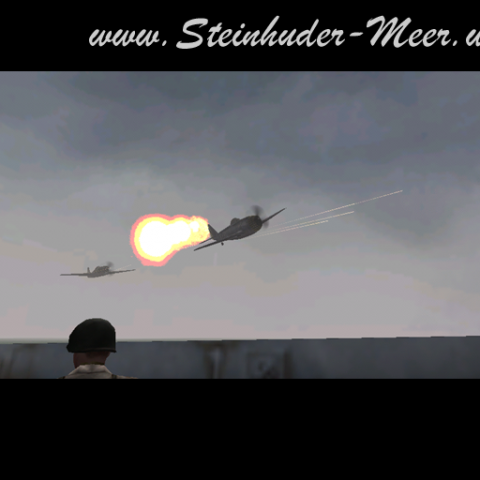
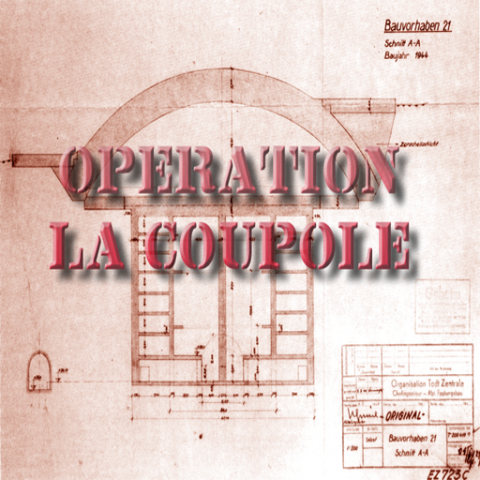
This file contains several missions/maps. briefing/briefinglacoupole test_lacoupole1 test_RathausCalais test_calais3 test_theruins test_lacoupole_l5 this is a betaversion of the maps. They are all playable but on older computers you can have lower fps on some places on the maps. The scripts should be with out errors. If you find some please post them in our forum. Installation: Copie the pk3 fie in te mohaa main directory. start the game and select LaCoupole on the Map in the briefing room. Die pk3 Datei in das Mohhaa Main Verzeichnis kopieren.
m1l1_algier
This file consists out of 2 maps/missions. m1l1_algier m1l1_tunnel
Medal of Honor: Allied Assault Maps (MOHAA) — Custom Arenas & Classic Battlegrounds
Explore the world's most extensive archive of MOHAA custom maps, multiplayer battlegrounds, and singleplayer missions. Powered by the id Tech 3 engine (Quake III Arena) and created with Radiant, Medal of Honor: Allied Assault introduced some of the most memorable level design in tactical WWII shooters. MOH-DB hosts and preserves over 2,500 community-crafted maps spanning every competitive and cooperative game mode.
MOHAA Game Modes & Map Prefixes Explained
Objective Mode (OBJ)
The pinnacle of competitive MOHAA. Allies attempt to plant explosives, steal secret radar documents, or sabotage infrastructure while the Axis defends. Famous stock examples include V2 Rocket Facility (obj_team2), Omaha Beach (obj_team1), and The Hunt (obj_team4).
Deathmatch & TDM
Fast-paced arena combat with instant respawns and tactical weapon placements. Iconic maps like Stalingrad (mohdm6), Southern France (mohdm1), and Remagen (mohdm7) offer multi-level verticality, sniper towers, and close-quarters infantry corridors.
Freeze Tag (FT)
One of the most beloved multiplayer mod modes in MOHAA history. When a soldier is eliminated, they turn into a frozen ice block. Teammates must stand nearby to thaw and revive them. The round is won when an entire opposing team is frozen simultaneously.
Round-Based Elimination
Pure clan warfare without respawns or bomb objectives. Each player has only one life per round, making tactical corner-peeking, smoke grenades, callouts, and sound discipline vital. Widely played in European leagues like ClanBase, CAL, and ESL.
Stock Maps vs Custom MOHAA Maps
★ The 11 Legendary Stock Maps
When 2015, Inc. shipped Medal of Honor: Allied Assault in January 2002, the game included 11 multiplayer maps that permanently shaped tactical FPS design:
- Southern France
mohdm1 - Destroyed Village
mohdm2 - Remagen
mohdm3 - Crossroads
mohdm4 - Snowy Park
mohdm5 - Stalingrad
mohdm6 - Algiers
mohdm7 - Omaha Beach
obj_team1 - V2 Rocket Facility
obj_team2 - The Bridge
obj_team3 - The Hunt
obj_team4
⚡ 2,500+ Community Custom Maps
Community mappers extended the life of Medal of Honor for decades using MOHRadiant, GTKRadiant, and custom Moorish, European, and Pacific texture packs. Community creations include:
Console Commands & Map Installation
📥 How to Install Map .pk3 Files
- Download the custom map file from MOH-DB (usually packaged as
mapname.pk3). - Move the
.pk3file into your main game directory:C:\Program Files (x86)\EA GAMES\MOHAA\main\ - For Spearhead expansion maps, place files into
/mainta/; for Breakthrough, place them into/maintt/. - Launch Medal of Honor. Custom maps will automatically appear in your local Create Server list!
⌨️ Loading Maps via In-Game Console
Press the tilde key (~) to drop down the developer console, then run:
Frequently Asked Questions about MOHAA Custom Maps
To install custom MOHAA maps, download the .pk3 file and copy it into your game's /main/ directory (or /mainta/ for Spearhead, /maintt/ for Breakthrough). The map will immediately show up in your offline and multiplayer Create Server map rotation list.