
Medal of Honor: Allied Assault Mods (MOHAA)
Discover and download community-created modifications to enhance your Medal of Honor: Allied Assault experience.
222 Mods Found
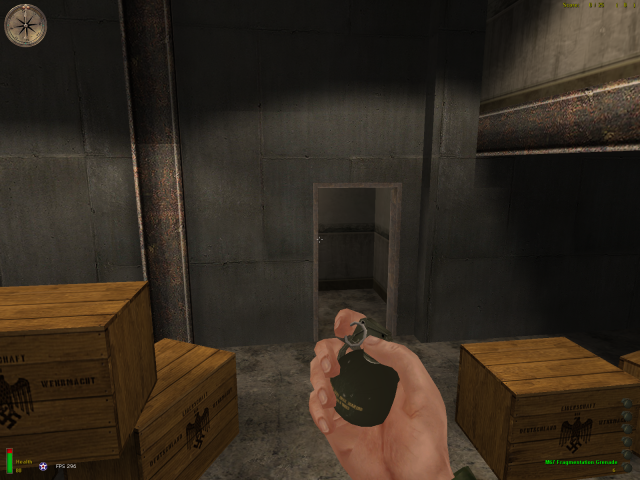
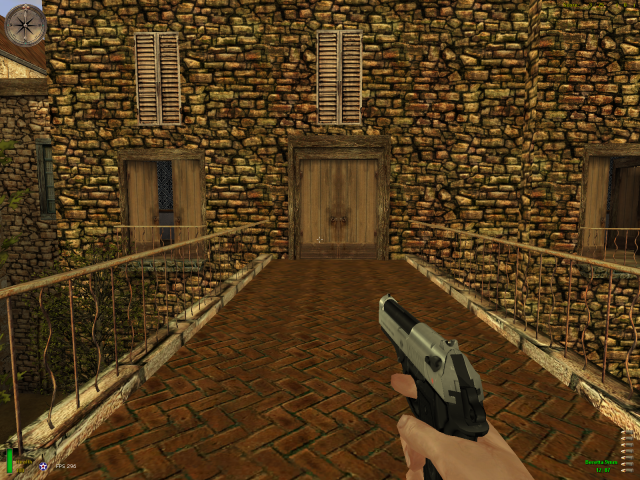
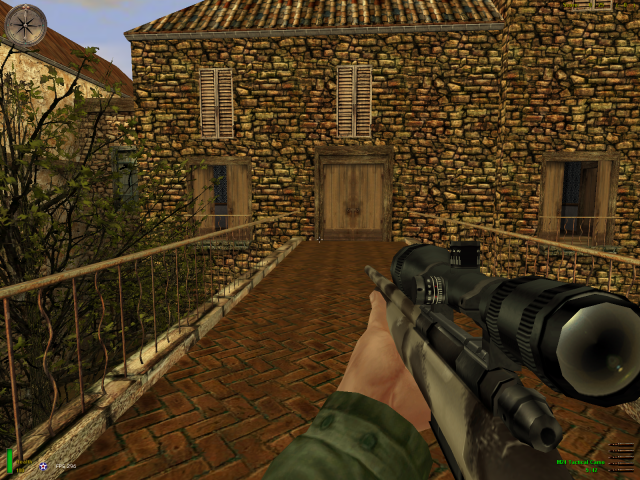
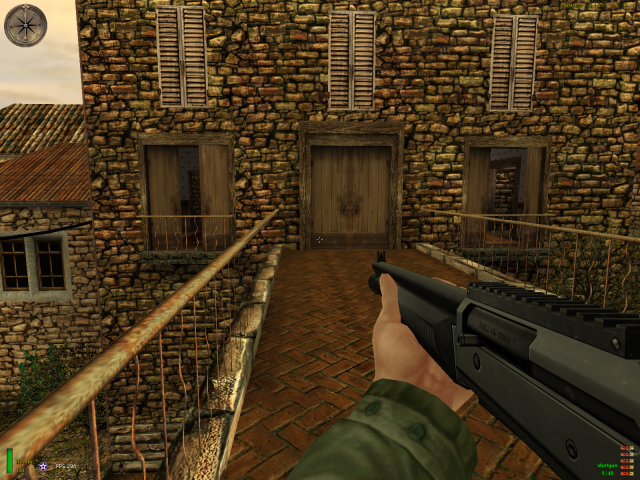
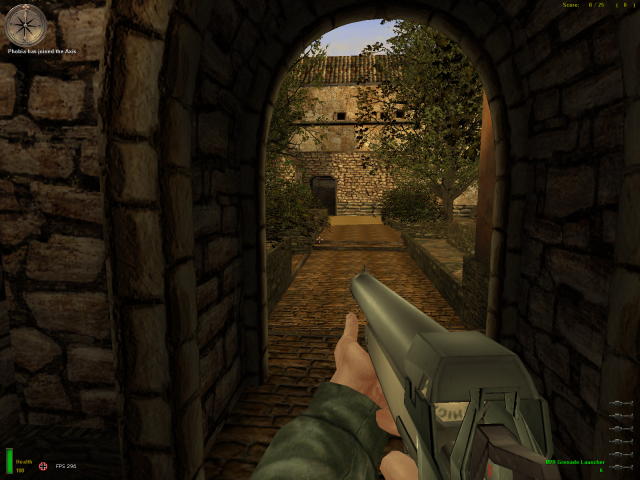
M79 Grenade Launcher
This skin is for both the Bazooka and Panzershreck (Axis & Allied Rocket Launchers).
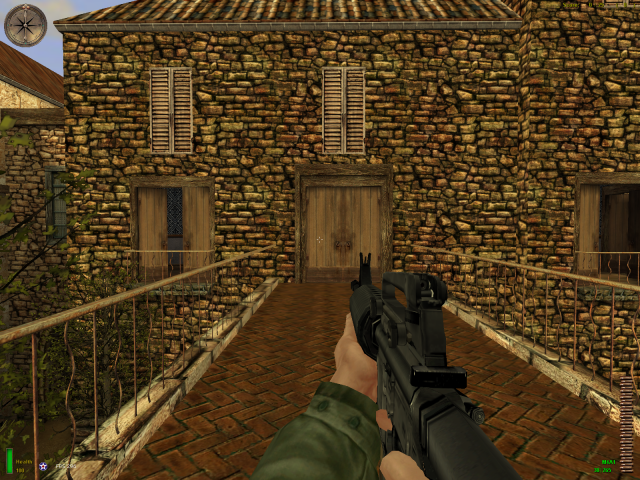
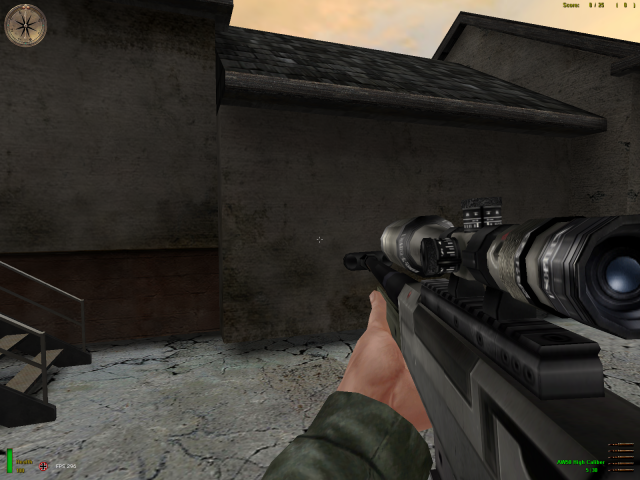
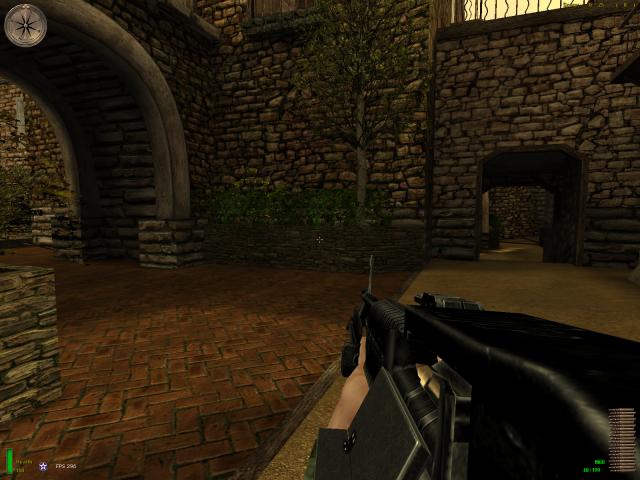
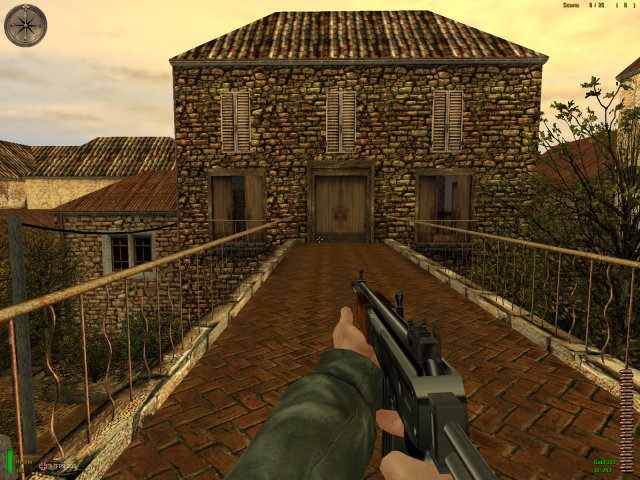
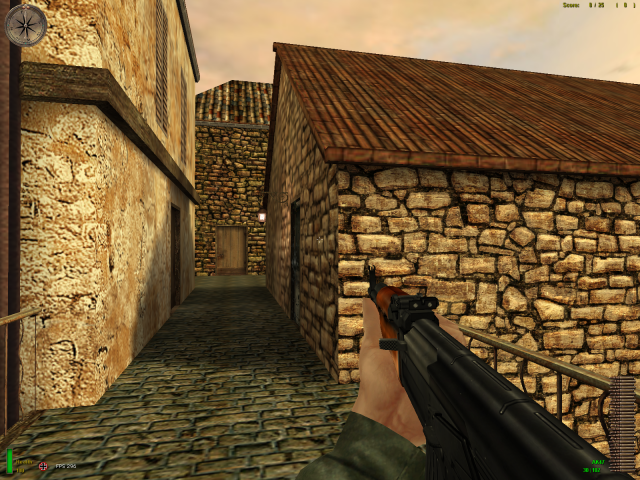
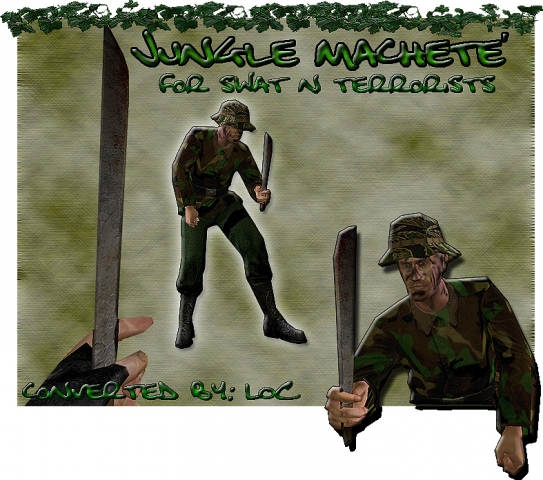
Jungle Machete
Both the Colt.45 and P38 (allied & axis pistols) are converted to a Machete. *LOCC'S Jungle Machete'* *Marine and Terrorist's Jungle Machete'. *Converting -Converted and Modeled by: LOCC -Scripting by: LOCC -Sounds: LOCC -MOH Date of Release: Sept. 10, 2003 *Installation -Extract the zip file to a specific location. Copy Pk.3 and paste into C://Program Files/MOHAA/Main folder *Contact LOCC a.k.a LOCO http://qcdr.com/LOCC csk_locc@hotmail.com ------------------------------------------- *CStrike Model: Model: Nobody Skin: Duds
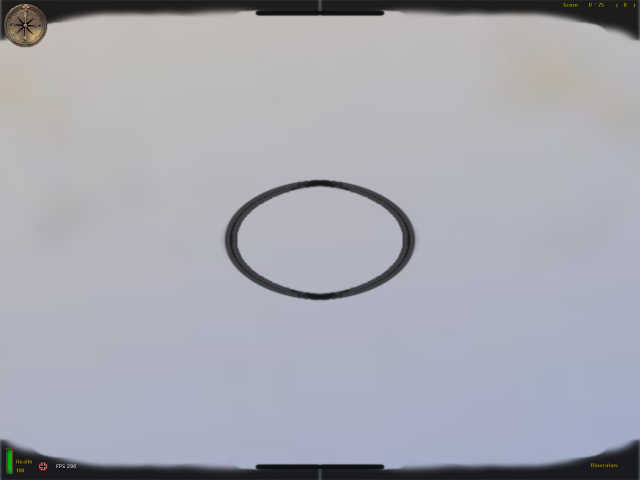
Binocular Optics 1
New Binocular skin for the Allies in Medal of Honor Allied Assault and Spearhead. It is designed for maximum views and enable any allied player without a sniper rife to look ahead. Installation: put the .pk3 file in the Main folder for MOHAA and mainta for Spearhead. Enjoy, Son Of Liberty- sonofliberty@yahoo.com
Binocular Optics
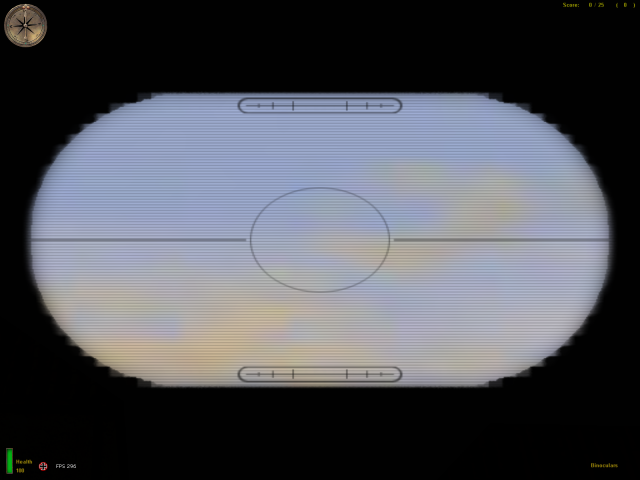
Brutal's Binocular Optics This is like what you see in movies. Instead of the old binocular optics you are used to seeing, I made a newer up to date style. Put this file in your MAIN folder. I doubt if you have any other Binocular Mods, but in case...remove them as well. lol Brutal ybhyper@msn.com http://47roninclan.tripod.com
Mosin Nagant Scoped
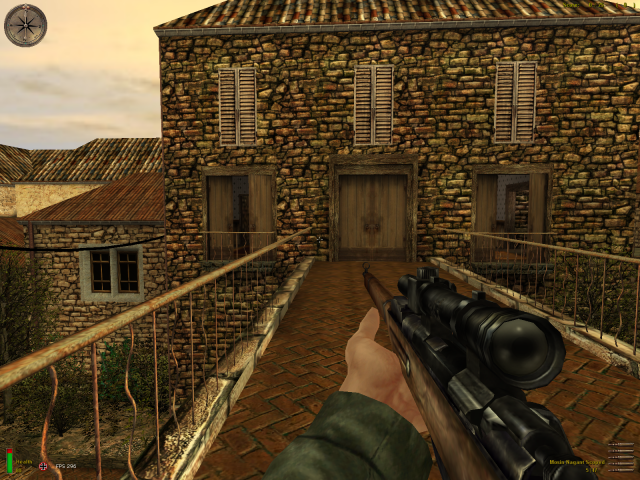
==================================================================== ::::: MOSIN NAGANT SCOPED MOD v1.2 5x - by Soldado da Baixada ::::: ==================================================================== .:Português:. Descrição: Este mod substitui a Shotgun pelo rifle russo Mosin Nagant Scoped com capacidade padrão de 5 balas. Lado cliente e servidor, ambos os lados devem ter o um dos mods para funcionar corretamente. Melhorias desde a última versão: - Sons de recarga originais do Mosin Nagant - Ejeção do projétil mais realista - Velocidade de movimentação modificada para 0.90 (original snipers 0.88 - original rifles 0.94) - Nova hud para o mod de 10 balas Instalação: - Extraía o arquivo "ZZZZZ-MosinNagantScopedMod-v1.2-5x.pk3" para a pasta "main" do MOHAA. (ex: 'C:\Program Files\EA Games\MOHAA\main') ==================================================================== .:English:. Description: This mod replaces the Shotgun with the russian Mosin Nagant Scoped rifle with 5 bullets default capacity. Client and server side, means that both sides must have one of the mods to works correctly. Improvements since last version: - Original Mosin Nagant reload sounds - More realistic shell ejection - Movement speed modified to 0.90 (original snipers 0.88 - original rifles 0.94) - New hud for the 10 bullets mod Instalation: - Extract the "ZZZZZ-MosinNagantScopedMod-v1.2-5x.pk3" file to the MOHAA´s "main" folder. (ex: 'C:\Program Files\EA Games\MOHAA\main') ==================================================================== Mod by: Soldado da Baixada Mail: soldado.da.baixada@brasilmob.net WebSite: www.brasilmob.net
Mauser C1896
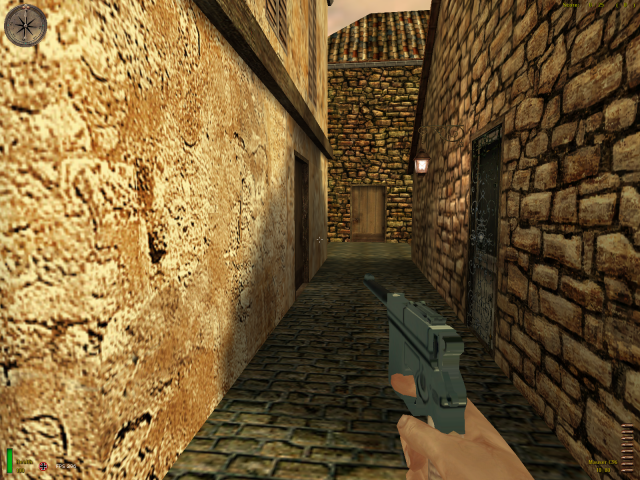
--------------------------------------------------- Easts Mauser c96 --------------------------------------------------- this mod replaces your p38 by the mauser c1896 pistol, fully custom models and skin + new sound Enjoy! Do NOT enchange without MY premission also dont publish this as your own. If i see my mod copied or modified i will loudly announce the person responsible and tell everybody that he is a thief thank you. (matseast92ATmsnDOTcom) also for questions or requests ;) ---------------------------------------------------- install, copy the pk3 file in your MOHAA/main folder have fun! ---------------------------------------------------- anims by: East any requests? feel free to mail
P 08 Mauser Luger
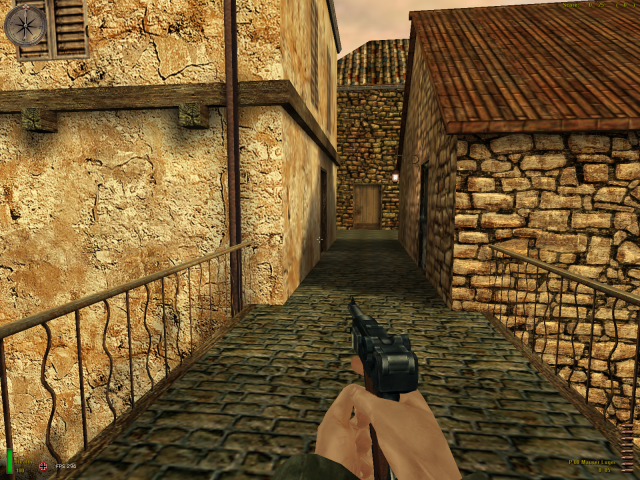
///////////////////////////////////////// // Luger Mod // // for MOHAA // ///////////////////////////////////////// DESIGNERS: Pato (Mpd Pato), Dan (Dmitri). DESCRIPTION: - Replace the old P38 with the Luger, german pistol... -Contain: - Luger model (is a rip of the call of duty luger) - Custom animations: - two handed idle and fire. - custom reload anim - 3 diferent bash mode - Sound (from cod luger) - new hud... INSTALL: - Put the file "zzz_user_luger" in your "Program files/EA GAMES/MOHAA/main" folder, and blablabla... Lt. Pato: MPd_pato@hotmail.com Dan : deathmetal1207@hotmail.com

Verbesserte Hi Standard Silenced 9mm
This file replaces P38 with this modified Verbesserte [Improved] Hi-Standart Silenced. You can SHOOT VERY FAST with this one like Clint Eastwood ! Magazine capacity enlarged to 25 shells because very fast firing mod. Slide blackened and silencer gloss finished. Also shell eject animation changed so ejected shells goes very far. Gives more damage than original one but damage same with my Tokarev modified handgun. [If you have another P38 or Hi-Standart skin or mod do not forget to delete them.] Install: copy .pk3 file under Mohaa/main folder./ Uninstall: delete file. Leon leonmohaa@hotmail.com My other MOH files are: Heavily Modified Weapons: -Thompson Para 9mm -Spec Ops Springfield II -3 in 1 BB Guns Pack -Springfield Custom BB Gun -USA Riot Shotgun & Combat Gloves -Tokarev Soviet Handgun -XMP 70 Mk II -XtG 50 NSDAP -Soviet SMG -Ubersoldat Kar98 Sniper Mk II -Spec Ops Springfield -MP 70 -Ubersoldat Kar98 Sniper -West Point Garand -Storm Gun StG44 Weapon Skins Pack: -WW2 Rifle Collection Scope Mods: -ZNV Light Amplification Scopes -ZNV Zombie Light Amplification Scopes Others: -Tracer Smoke for Bazookas -Wolfen Compass Pack -Weapons In Color [ Do not distribute my files without written permission.] ---------------------------------------------------------------------------------------------------------------------------------------------

Lpw05
name chrisredfields animated pistol LPW05 creator chris redfield003 description -----------goa.chris's Here is a animated pistol replacement for the p38 i found a way to get animated textures in game works for aa sp n bt place in main for aa place in mainta for spearhead place in maintt for breakthrough model thanks to Turbo squid for providing 4 free low poly weapons pack (LPW05) converted by me skin effects by me for everyone ! server side clientside still needs more to add to it so any comments will be taken into consideration twoards the second version. and finally im at chrisredfield003@yahoo.com
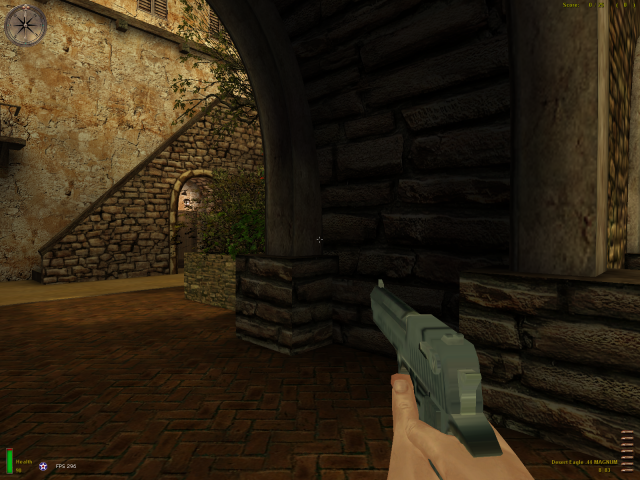
Desert Eagle
--------------------------------------------------- Easts V2 Desert Eagle Gun Mod --------------------------------------------------- This amazing BIG gun replaces your colt 45, damage is more than doubled, more accurate new fire sound, i included Easts Idle Fire Mod but only for the colt, if you want to have it on all guns just download it Enjoy! Do NOT enchange without MY premission also dont publish this as your own. If i see my mod copied or modified i will loudly announce the person responsible and tell everybody that he is a thief thank you. (matseast92ATmsnDOTcom) also for questions or requests ;) ---------------------------------------------------- install, copy the pk3 file in your MOHAA/main folder have fun! ---------------------------------------------------- anims by: East any requests? feel free to mail
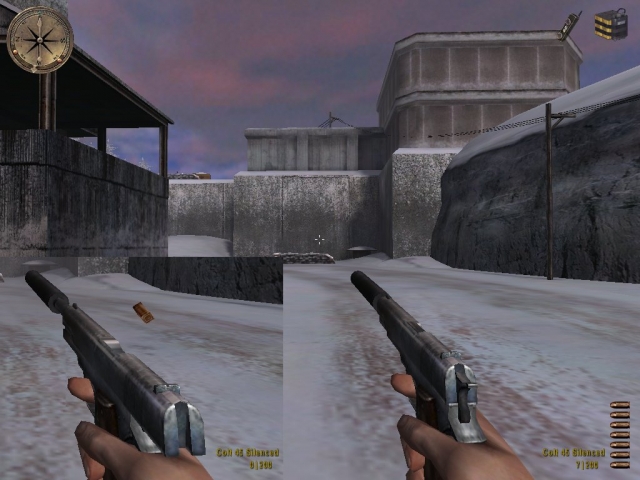
Silenced Colt 45
=============================================== README EAST'S silenced colt45. =============================================== -------------------------------------------------------------- =============================================== The Colt45, silenced, muzzleflash replaced. edited original scilenced sound. =============================================== IMPORTANT =============================================== Do NOT enchange without MY premission also dont publish this as your own. If i see my mod copied or modified i will loudly announce the person responsible and tell everybody that he is a thief thank you. =============================================== ALSO IMPORTANT: if not working switch texture compression off =============================================== INSTALL: =============================================== copy the User-Colt45.pk3 to your MOHAA/main folder =============================================== DEINSTALL: simply delete the file =============================================== =============================================== CREDITS =============================================== MODEL BY: East SKIN BY: East matseast92 AT msn DOT com ---Classic series, edited originals---
Medal of Honor: Allied Assault Mods (MOHAA) — Complete Community Archive
Welcome to the premier repository for Medal of Honor: Allied Assault mods. Since the game's groundbreaking release in 2002 by 2015, Inc. and EA, MOHAA has inspired one of the longest-standing modding communities in first-person shooter history. MOH-DB preserves, categorizes, and serves over 1,600 verified community modifications, custom enhancements, and competitive utilities for Allied Assault, Spearhead, and Breakthrough.
Explore MOHAA Mod Categories
Player Skins & Uniforms
Over 700 historically accurate and creative player uniforms for Allied and Axis factions. Equip authentic U.S. Army Rangers, 101st and 82nd Airborne paratroopers, British Commandos, Soviet Red Army conscripts, Wehrmacht Heer infantry, Fallschirmjäger, and Waffen-SS camouflage patterns, as well as classic community clan skins.
Weapon Models & Reskins
Enhance your WWII arsenal with ultra-detailed weapon replacements and high-resolution textures. Popular downloads include authentic wood-finish Kar98k sniper rifles, realistic metallic sheen M1 Garand models with classic "ping" animation refinements, Thompson submachine guns, MP40s, BAR 1918 rifles, and custom iron-sight alignments.
Soundpacks & Realism Audio
Transform the sonic atmosphere of Allied Assault. Replace compressed 2002 Quake-engine sound effects with cinema-grade gunfire recordings, authentic distant artillery rumblings, terrifying Stuka dive-bomber sirens, supersonic bullet cracks, metal ricochets, and remastered German and American voice callouts.
HUDs, Menus & Crosshairs
Modernize the in-game interface for 1080p, 1440p, and 4K widescreen displays. Download minimalist competitive heads-up displays, custom dot and crosshair overlays, cleaner compass indicators, redesigned main menus, and unobtrusive health and ammunition counters favored by competitive league players.
Server Utilities & Admin Scripts
Run resilient, modern multiplayer game servers with essential server-side utilities. Includes automated map rotators, anti-cheat detection tools, voting scripts, custom match timers, ping balancers, and administrative rcon managers designed for dedicated servers running 24/7.
MOHAA Reborn 1.12 Community Patch
The gold standard community patch for modern MOHAA servers and clients. The Reborn 1.12 patch resolves legacy buffer overflows, fixes client query exploits, expands internal script limits for complex mods, and provides a built-in server browser to replace the defunct GameSpy master server.
How to Install MOHAA Mods: Quick Guide
Identify Your Target Directory
MOHAA stores all game assets in subfolders inside the root installation directory:
- MOHAA (Base):
.../MOHAA/main/ - Spearhead:
.../MOHAA/mainta/ - Breakthrough:
.../MOHAA/maintt/
Paste Without Extracting
Download the mod archive from MOH-DB. If it is zipped (.zip or .rar), extract the enclosed .pk3 file. Place this .pk3 directly into your game's /main/ folder.
How to Remove or Troubleshoot
To remove any mod, simply delete its .pk3 file from the /main/ folder. The game will immediately return to stock behavior without reinstalling.
Frequently Asked Questions about MOHAA Mods
To install MOHAA mods, copy the downloaded .pk3 file directly into your Medal of Honor Allied Assault installation folder under /main/ (or /mainta/ for Spearhead, and /maintt/ for Breakthrough). You do not need to unpack or extract the .pk3 archive—the game engine loads it automatically upon launch.