Organizing Community Game Nights: Build and Share Map Packs with MOH-DB Collections
Hosting a MOHAA match on Discord should not mean spending 45 minutes fixing missing map errors. Learn how to build custom map packs with MOH-DB Collections, use automated batch install scripts, and match your server rotation in minutes.
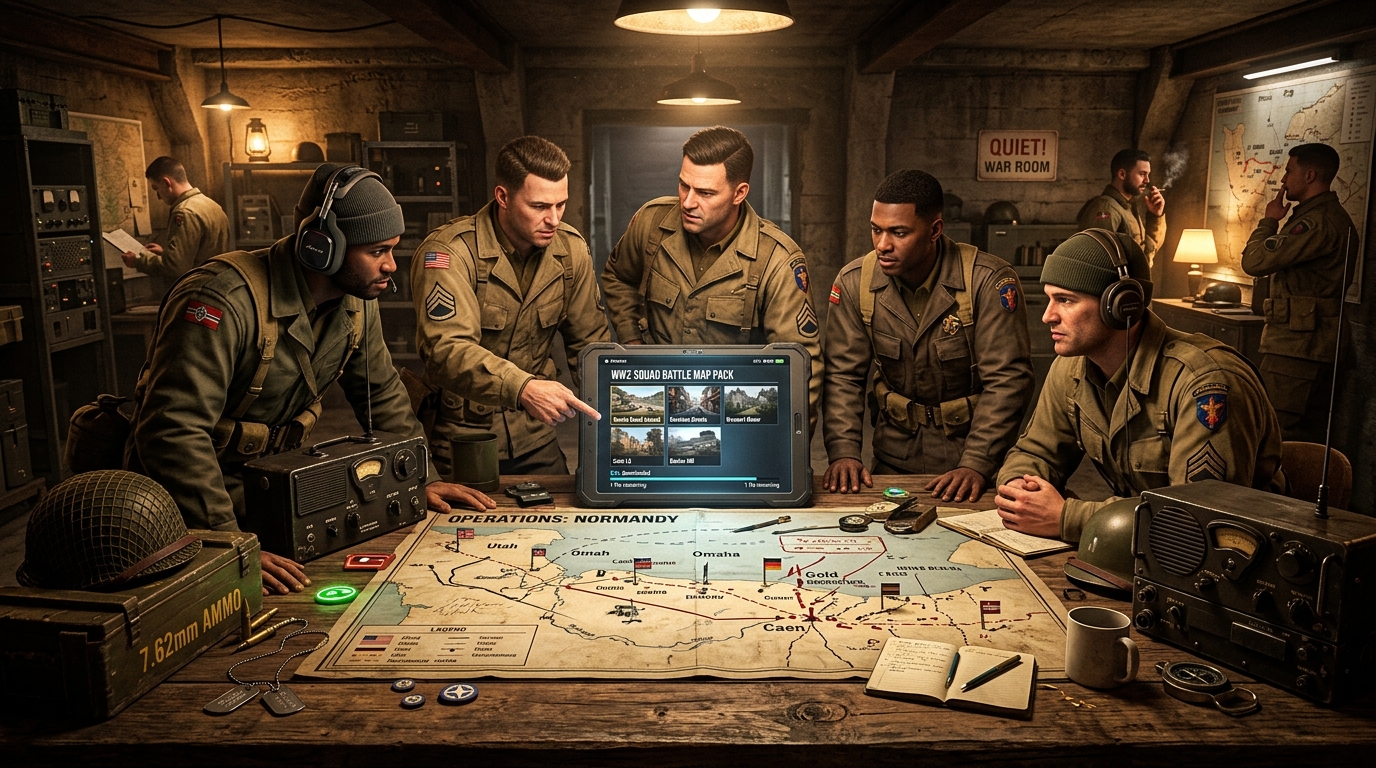
It is Friday evening at 8:00 PM. Sixteen players jump into Discord voice, eager for a night of classic Medal of Honor: Allied Assault action. The excitement is high, and everyone is ready for fast-paced bolt-action gunplay.
Then the match host switches the server to a custom map.
Suddenly, half the lobby gets kicked back to the main menu with a missing map error. One player asks for a download link. Another drops a dead link from a discontinued 2006 forum thread. A third player finds an unverified mirror buried under aggressive popup ads. Meanwhile, someone else unpacks a .pk3 file into the wrong directory.
By the time everyone finally fixes their files, forty-five minutes have passed. Players lose interest, the lobby empties out, and the planned match falls apart.
Every clan leader, competitive organizer, and casual host has lived through this exact headache. Medal of Honor remains fantastic to play, but coordinating custom content across a full squad has always been messy.
We built MOH-DB Collections to solve this problem once and for all.
Key Takeaways
- Unified Map Packs: Bundle custom maps, player skins, and soundpacks into a single shareable link with MOH-DB Collections.
- Zero Missing File Errors: Keep your entire squad in sync with clean, verified .pk3 downloads before game time.
- Automated Batch Installers: Players can download every file in a collection at once using generated PowerShell, Batch, or Bash scripts.
- Server Rotation Sync: Use the Server.cfg Generator to create matching server maplists in seconds.
- 100% Free and Unthrottled: No file caps, no ad countdown timers, and no mandatory accounts for downloading.
Why Game Nights Break Down (And How Collections Fixes It)
When you organize a multiplayer session, friction kills momentum. Modern games handle map distribution behind the scenes, but classic titles like MOHAA rely on players having the exact files in advance.
If a single player is missing a map or has a mismatched version, the game kicks them out. In the past, organizers tried to fix this by zipping up custom folders and uploading them to third-party file hosts. Those links inevitably expire, trigger antivirus warnings, or download at painful dial-up speeds.
MOH-DB Collections eliminates that friction. Instead of juggling loose files and outdated mirrors, hosts can assemble a verified bundle directly on MOH-DB. You share one URL, and your players get instant access to clean files hosted on fast infrastructure.
What Can You Put in a Collection?
Collections are flexible loadouts built for community events:
- Custom Multiplayer Maps: Group competitive objective battlegrounds, sniper arenas, or fun clan maps from MOH-DB Maps.
- Player Models and Uniforms: Equip teams with authentic historical skins or custom clan uniforms.
- Weapon Soundpacks and Audio: Standardize weapon sounds for competitive clarity or extra atmosphere.
- Server Utility Scripts: Include client-side configuration tweaks or competitive configs.
Whether you are running a four-map scrim or a thirty-map weekend marathon, your players can grab everything in one place.
Step-by-Step Guide: Creating Your First Map Pack
Setting up a collection on MOH-DB takes only a few minutes. Follow these simple steps to build your custom loadout:
1. Sign In and Open the Collections Portal
Visit MOH-DB Collections while logged in to your account. Click the Create Loadout button to launch the collection editor.
2. Set Title, Game Edition, and Visibility
Give your loadout an unmistakable name, such as "Friday Night Objective Scrim" or "Allied Assault Classic Tourney 2026".
Next, select your target game edition. You can choose:
- MOH: Allied Assault for base game maps.
- MOH: Spearhead for expansion one battlegrounds.
- MOH: Breakthrough for expansion two content.
- Universal for mixed-edition community packs.
Then, choose your visibility setting:
- Public: Listed in the community directory for all players to discover.
- Unlisted: Hidden from search, but accessible to anyone who has your link. Perfect for private clan matches.
- Private: Visible only to you while preparing your event.
3. Add Descriptions, Rules, and Match Notes
Use the description box to provide helpful match details. You can list server connection rules, password info, recommended weapon settings, or required client mods like the Reborn patch or OpenMoHAA. Clear notes help your players get ready before match time.
4. Search and Add Content
Click + Add Maps / Mods to open the search picker. Search for custom battlegrounds in MOH-DB Maps or find skins and soundpacks from the mod catalog. Click any item to add it to your bundle. You can drag and drop or reorder items so they match your planned match rotation.
5. Publish and Share
Click Publish Loadout. MOH-DB generates a clean, permanent link for your collection. Post this link into your Discord event channel, clan forums, or match announcement.
How Players Install Collections in Seconds
Once you share your collection link, your players have two easy ways to prepare their game.
Option 1: Automated 1-Click Batch Downloader (Recommended)
Every MOH-DB collection page automatically creates batch installation scripts:
- The player clicks Download PowerShell Script (.ps1), Batch (.bat), or Bash (.sh) on the collection page.
- They drop the downloaded script into their game installation directory (for example,
C:\Program Files (x86)\EA Games\MOHAA\main\). - They run the script. The script downloads every .pk3 file in the collection directly into the correct directory at full speed.
Nobody has to manually extract files or guess where each map belongs.
Option 2: Individual File Downloads
Players who only need one or two missing files can click the direct download icon next to each item. Every file downloads immediately without registration, captchas, or wait times.
Syncing Your Match: Connect with the Server.cfg Generator
A great map pack needs a matching server configuration. If your server rotation calls a map by the wrong name, players will crash or cycle to an unexpected level.
MOH-DB makes syncing your server seamless. Use our free Server.cfg Generator to create a matching configuration:
- Pick Your Server Type: Choose between MOHAA Reborn Patch v2.5, OpenMoHAA, Spearhead, or Breakthrough.
- Configure Game Rules: Set match modes such as Objective or Team Deathmatch. Adjust round limits, time limits, and friendly fire options.
- Set the Map Rotation: Paste the exact map names from your collection into the map rotation list (
sv_maplist). - Download the File: Click Download server.cfg and upload it to your game server host.
Your server and your players will now run the exact same playlist with zero discrepancies.
Match Night Comparison: The Old Way vs. MOH-DB
| Task | The Old Way | MOH-DB Collections & Tools |
|---|---|---|
| Distributing Maplists | Messy lists of scattered download links | Single shareable collection link |
| Player Installation | Manual zip extractions and wrong folders | Automated PowerShell or Batch install script |
| Download Speeds | Throttled file mirrors and dead links | Fast, direct downloads on unthrottled servers |
| File Verification | Corrupted archives and missing textures | Verified .pk3 packages with clean checksums |
| Server Configuration | Editing cvars by hand in Notepad | Instant export from the Server.cfg Generator |
| Pre-Match Delay | 30 to 60 minutes of troubleshooting | Zero delay, everyone connects on time |
How You Can Help the Community Grow
MOH-DB is built by players who care about preserving classic multiplayer gaming. Here is how you can get involved:
- Curate Themed Collections: Build packs for famous historical campaigns, sniper tournaments, or holiday events.
- Upload Missing Battlegrounds: Have rare maps from the early 2000s on an old hard drive? Upload them to MOH-DB Maps so they are preserved forever.
- Host Community Nights: Organize open games and share your collection links with the community.
- Join the Discussion: Connect with event hosts and clan veterans on the MOH-DB Discord.
Frequently Asked Questions
Are the automated batch scripts safe to run?
Yes. The generated .ps1, .bat, and .sh scripts are plain text files. They contain simple curl and web request commands pointing directly to MOH-DB file URLs. You can open and inspect them in any text editor before running them.
Which game folder do my downloaded files belong in?
For the base game (Medal of Honor: Allied Assault), files belong in the main directory. For Spearhead, place them in mainta. For Breakthrough, place them in maintt. Running the batch downloader inside the appropriate expansion folder handles everything automatically.
Do players need an account to download collections?
No. Creating and curating collections requires a free account, but downloading files and batch scripts is open to everyone. Your squad members can download your map pack instantly without signing up.
Can I edit a collection after sending out the link?
Yes. If you add or remove maps from your collection, the link stays the same. The batch scripts and item lists update automatically for anyone who visits the page.
Does this work with modern engines like OpenMoHAA?
Yes. MOH-DB files are authentic, clean .pk3 archives. They work smoothly across original retail installations, GOG releases, Reborn patch servers, and modern OpenMoHAA engines.
Get Your Squad Ready for Friday Night
Great game nights happen when players spend their time shooting, not troubleshooting file errors. Build your first map pack today, share the link with your squad, and keep the battlefield alive.
- Build Your First Loadout: Visit MOH-DB Collections.
- Explore Custom Maps: Browse community battlegrounds on MOH-DB Maps.
- Configure Your Match Server: Build a custom rotation with the Server.cfg Generator.
- Join the Community: Chat with players and server hosts on the MOH-DB Discord.