MOHAA Custom Maps & Levels (Medal of Honor Allied Assault)
Experience new battlefields and scenarios with these expertly crafted custom maps for Medal of Honor: Allied Assault.
2530 Maps Found
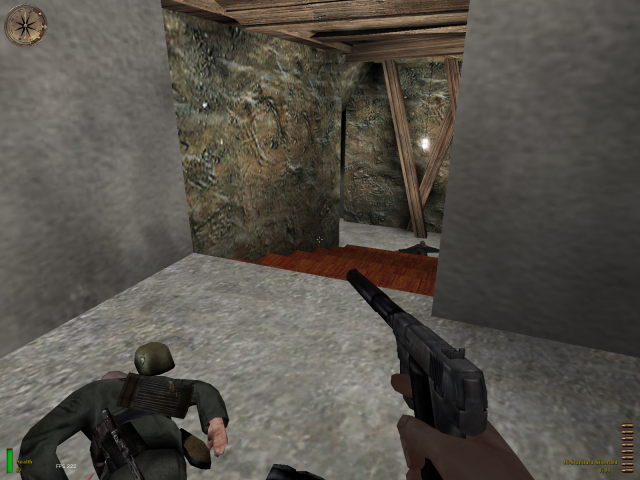
test_mountain_tunnel
As said below, file contains of 3 maps/missions. test_mountain_tunnel test_mountain_tunnel2 test_mountain_tunnel3 Mountain Tunnel Installation : 1. Paste Test_mountain_tunnel.pk3 into your C:\Program Files\MOHAA\Main folder.(Your default directory of MOHAA) 2. Run the game. 3. At the main menu, press ~ to bring down the console and type 'maplist'.Find for test_mountain_tunnel.bsp in the list and double click it. (DO NOT CLICK mountain_tunnel2 or 3 or else u will start with no weapons.Start from the test_mountain_tunnel.) 4. For those of you who can't bring down the console, go to settings and activate the use of the console. 5. Have fun while playing! Story : You've been sent to rescue an American POW who is being held captive by the germans in a fortified mountain tunnel.The artillery has already cleared up the backdoor of the mountain.You have gained easy access.All you have to do now is to find for the allied POW and exit the tunnel on the other side. Notes : 1.This short campaign consists of three maps. 2.Unfortunately,there isn't any "in-game" messages so you will have to rely on the objectives tab.
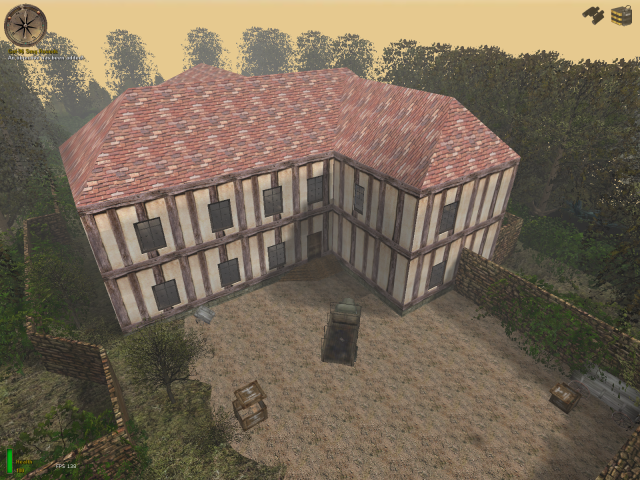
test_honour
This file consists out of 3 maps/missions: (Load console commands:) test_honour test_honour2 test_honour3
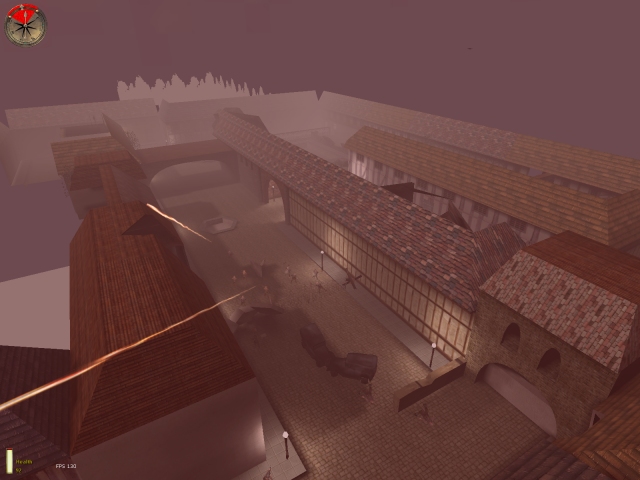
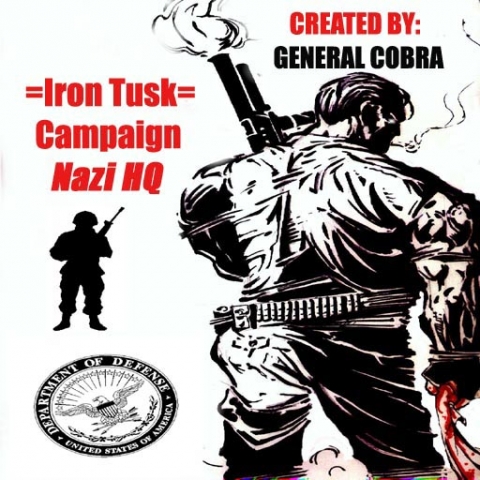
test_nazihq
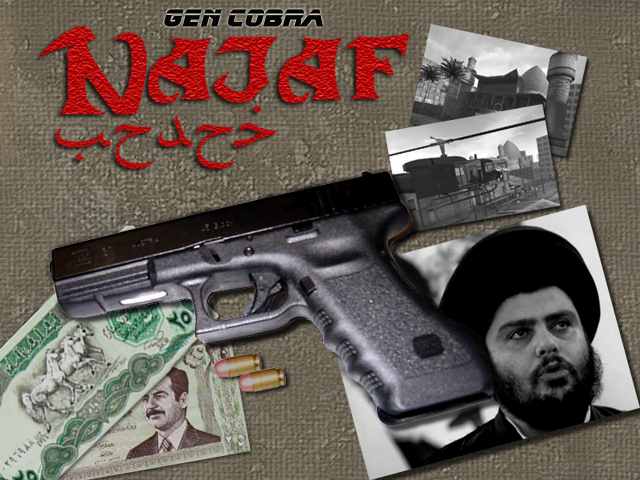
=IRON TUSK CAMPAIGN= By GENRAL COBRA aka Chris Murchison murchgraffix@yahoo.com Level 1 Nazi HQ Level 2 Dawn Invasion Level 3 Iron Tusk ====================================== INSTALL INSTRUCTIONS ====================================== Copy and paste or cut and paste the 3 .pk3 files into your programfiles/eagames/mohaa/main folder. The maps are now located on the tiny chalkboard between the single player campaign door and the multiplayer campaign door at the Medal Of Honor main menu with all the phones. To have the proper map rotation you MUST start at Nazi HQ. They rotate automatically. After installing it you might need to activate the console by checking it's box in the setting section of the main menu. After doing this you will need to hit the "Tithe" key "~". You can shut it off with the same key. After you have console up, type maplist then the enter key. Choose any map, but for this campaign it will start at test_NaziHQ.bsp. ======================================
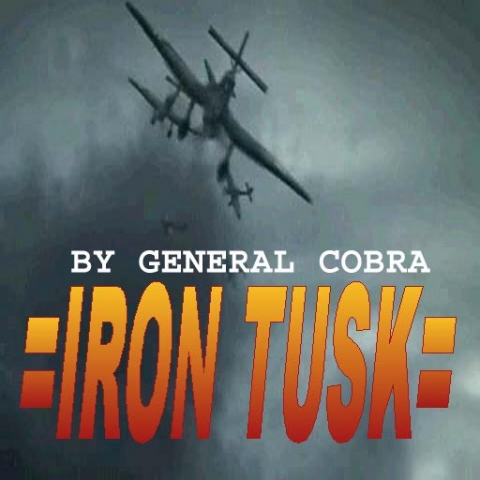
test_iron_tusk
=IRON TUSK CAMPAIGN= By GENRAL COBRA aka Chris Murchison murchgraffix@yahoo.com Level 1 Nazi HQ Level 2 Dawn Invasion Level 3 Iron Tusk ====================================== INSTALL INSTRUCTIONS ====================================== Copy and paste or cut and paste the 3 .pk3 files into your programfiles/eagames/mohaa/main folder. The maps are now located on the tiny chalkboard between the single player campaign door and the multiplayer campaign door at the Medal Of Honor main menu with all the phones. To have the proper map rotation you MUST start at Nazi HQ. They rotate automatically. After installing it you might need to activate the console by checking it's box in the setting section of the main menu. After doing this you will need to hit the "Tithe" key "~". You can shut it off with the same key. After you have console up, type maplist then the enter key. Choose any map, but for this campaign it will start at test_NaziHQ.bsp. ======================================
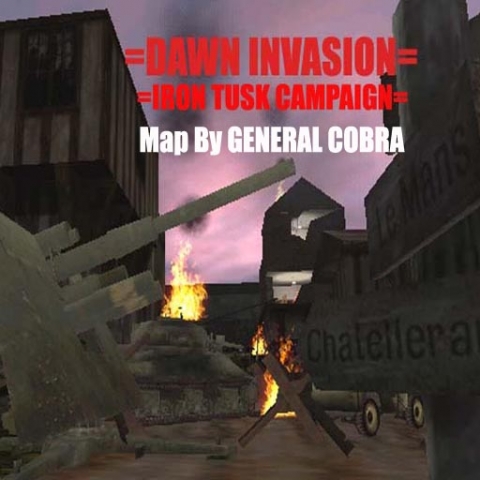
test_dawninvasion
=IRON TUSK CAMPAIGN= By GENRAL COBRA aka Chris Murchison murchgraffix@yahoo.com Level 1 Nazi HQ Level 2 Dawn Invasion Level 3 Iron Tusk ====================================== INSTALL INSTRUCTIONS ====================================== Copy and paste or cut and paste the 3 .pk3 files into your programfiles/eagames/mohaa/main folder. The maps are now located on the tiny chalkboard between the single player campaign door and the multiplayer campaign door at the Medal Of Honor main menu with all the phones. To have the proper map rotation you MUST start at Nazi HQ. They rotate automatically. After installing it you might need to activate the console by checking it's box in the setting section of the main menu. After doing this you will need to hit the "Tithe" key "~". You can shut it off with the same key. After you have console up, type maplist then the enter key. Choose any map, but for this campaign it will start at test_NaziHQ.bsp. ======================================
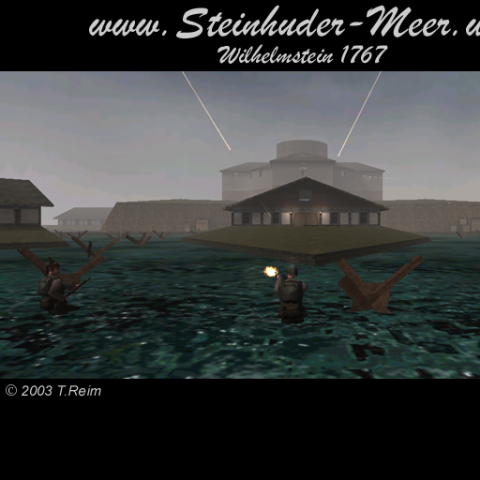
test_wilhelmstein_1767_sp_a
It consists out of 3 maps/missions: (Console load commands:) test_wilhelmstein_1767_sp_a test_wilhelmstein_1767_sp_b test_wilhelmstein_1767_sp_c
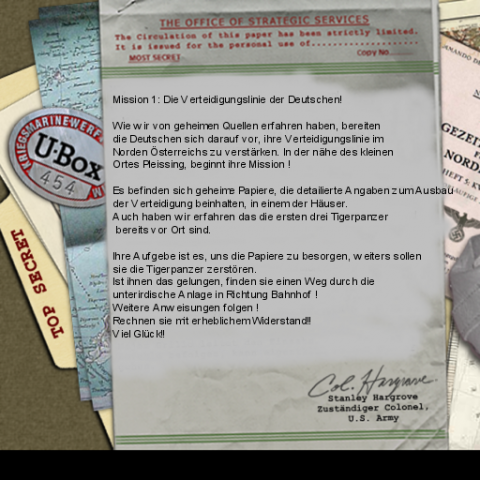
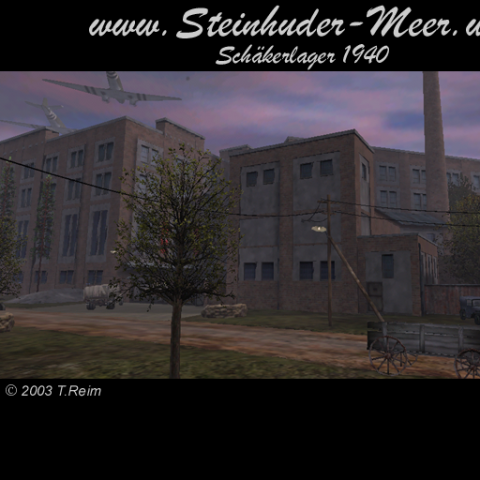
test_schaekerlager_1940
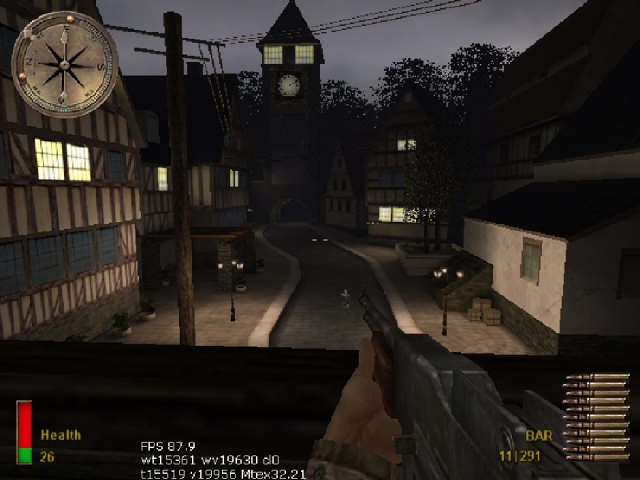
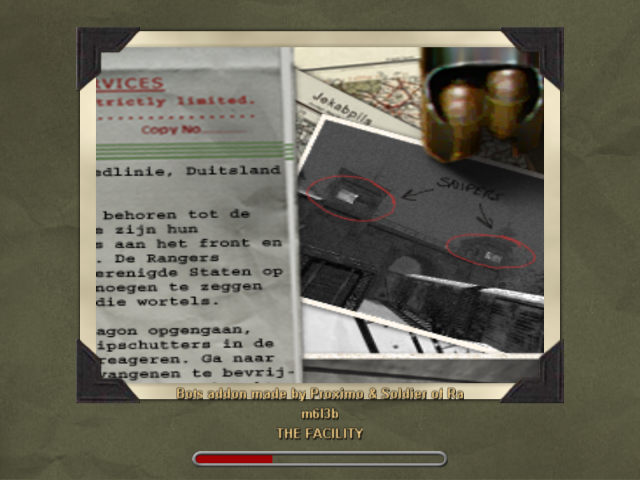
3 Different maps/missions: (Console load commands:) test_schaekerlager_1940 test_schaekerlager_1940_b test_schaekerlager_1940_c

Medal of Honor: Allied Assault Maps (MOHAA) — Custom Arenas & Classic Battlegrounds
Explore the world's most extensive archive of MOHAA custom maps, multiplayer battlegrounds, and singleplayer missions. Powered by the id Tech 3 engine (Quake III Arena) and created with Radiant, Medal of Honor: Allied Assault introduced some of the most memorable level design in tactical WWII shooters. MOH-DB hosts and preserves over 2,500 community-crafted maps spanning every competitive and cooperative game mode.
MOHAA Game Modes & Map Prefixes Explained
Objective Mode (OBJ)
The pinnacle of competitive MOHAA. Allies attempt to plant explosives, steal secret radar documents, or sabotage infrastructure while the Axis defends. Famous stock examples include V2 Rocket Facility (obj_team2), Omaha Beach (obj_team1), and The Hunt (obj_team4).
Deathmatch & TDM
Fast-paced arena combat with instant respawns and tactical weapon placements. Iconic maps like Stalingrad (mohdm6), Southern France (mohdm1), and Remagen (mohdm7) offer multi-level verticality, sniper towers, and close-quarters infantry corridors.
Freeze Tag (FT)
One of the most beloved multiplayer mod modes in MOHAA history. When a soldier is eliminated, they turn into a frozen ice block. Teammates must stand nearby to thaw and revive them. The round is won when an entire opposing team is frozen simultaneously.
Round-Based Elimination
Pure clan warfare without respawns or bomb objectives. Each player has only one life per round, making tactical corner-peeking, smoke grenades, callouts, and sound discipline vital. Widely played in European leagues like ClanBase, CAL, and ESL.
Stock Maps vs Custom MOHAA Maps
★ The 11 Legendary Stock Maps
When 2015, Inc. shipped Medal of Honor: Allied Assault in January 2002, the game included 11 multiplayer maps that permanently shaped tactical FPS design:
- Southern France
mohdm1 - Destroyed Village
mohdm2 - Remagen
mohdm3 - Crossroads
mohdm4 - Snowy Park
mohdm5 - Stalingrad
mohdm6 - Algiers
mohdm7 - Omaha Beach
obj_team1 - V2 Rocket Facility
obj_team2 - The Bridge
obj_team3 - The Hunt
obj_team4
⚡ 2,500+ Community Custom Maps
Community mappers extended the life of Medal of Honor for decades using MOHRadiant, GTKRadiant, and custom Moorish, European, and Pacific texture packs. Community creations include:
Console Commands & Map Installation
📥 How to Install Map .pk3 Files
- Download the custom map file from MOH-DB (usually packaged as
mapname.pk3). - Move the
.pk3file into your main game directory:C:\Program Files (x86)\EA GAMES\MOHAA\main\ - For Spearhead expansion maps, place files into
/mainta/; for Breakthrough, place them into/maintt/. - Launch Medal of Honor. Custom maps will automatically appear in your local Create Server list!
⌨️ Loading Maps via In-Game Console
Press the tilde key (~) to drop down the developer console, then run:
Frequently Asked Questions about MOHAA Custom Maps
To install custom MOHAA maps, download the .pk3 file and copy it into your game's /main/ directory (or /mainta/ for Spearhead, /maintt/ for Breakthrough). The map will immediately show up in your offline and multiplayer Create Server map rotation list.