MOHAA Custom Maps & Levels (Medal of Honor Allied Assault)
Experience new battlefields and scenarios with these expertly crafted custom maps for Medal of Honor: Allied Assault.
2530 Maps Found
Anubis
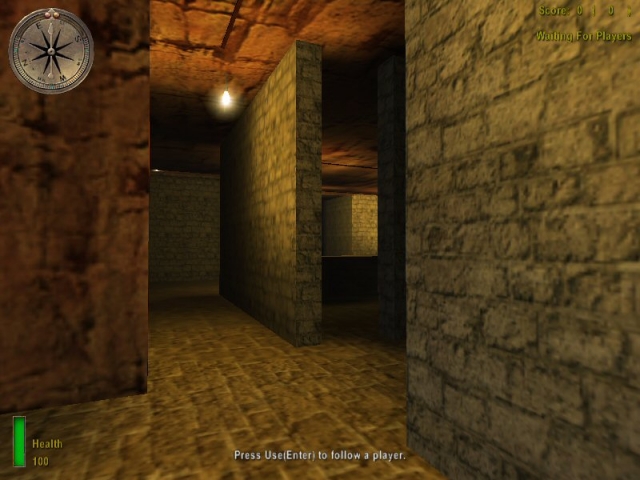
Anubis set in the pyramids - A refreshing change to map styles - Large external battle area but also many internal areas for close combat. Featuring interlinking tunnels making for a very fast paced battle getting attacked from below and above!! Excellent map for snipers also with Sea and beech area but no time for a sun tan here its one hell of a twist on a battle ground.
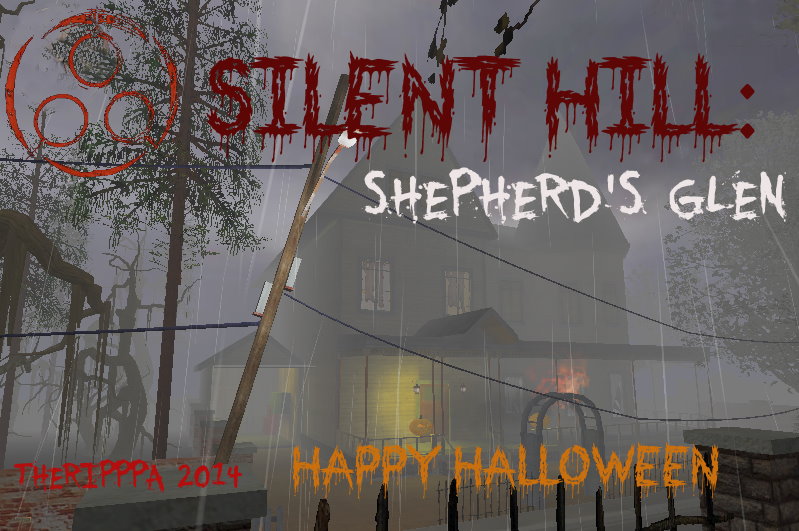
Shepherdsglen
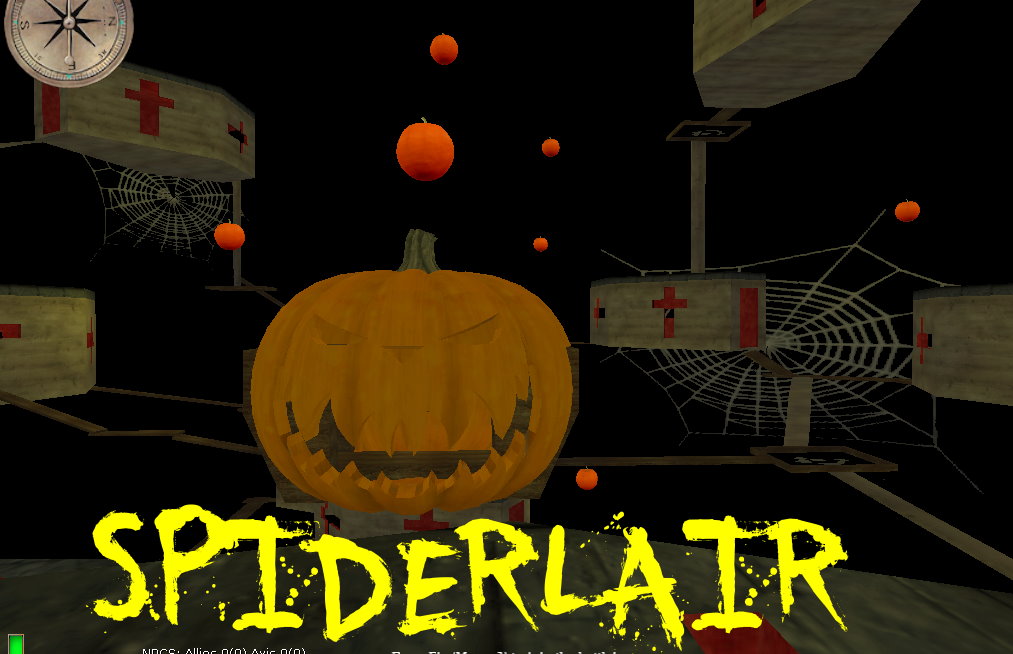
//Map: SilentHill:Shepherds's Glen:2014 // ARCHITECTURE: TheRipppa // SCRIPTING: TheRipppa, Cobra, Gold //MOdels: some unknown authors //some Textures from Caskacity and Krugwe Hive map, thanks //thanks to all at TMT, Cobra, NeilICCC guys, Viper and twl, klug, cubus, neil, storm, elgan, kruger,creaper, killalot, soup, gold, sor,leb, card, jollygg, lamron and whoever else i might be missing for all the help over the years...and to all the TRS guys Map based on the Silenthill Homecoming game the town Shepherds Glen. PLace the shill2 folder in your main/sound folder....or mainta/sound depending on where your map is. This place the ambient music for map from the game. Happt halloween 2014 Ripppa
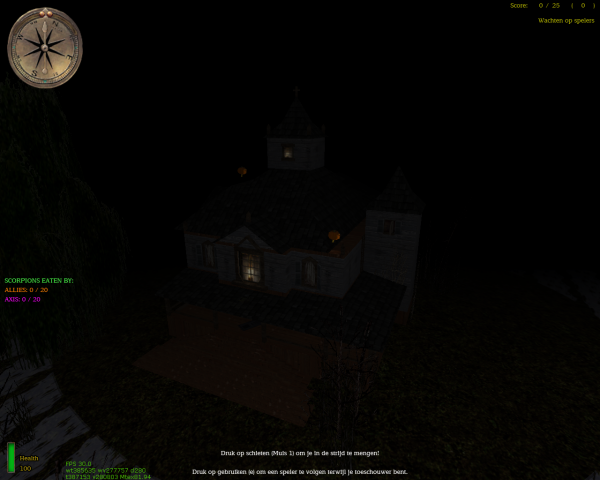
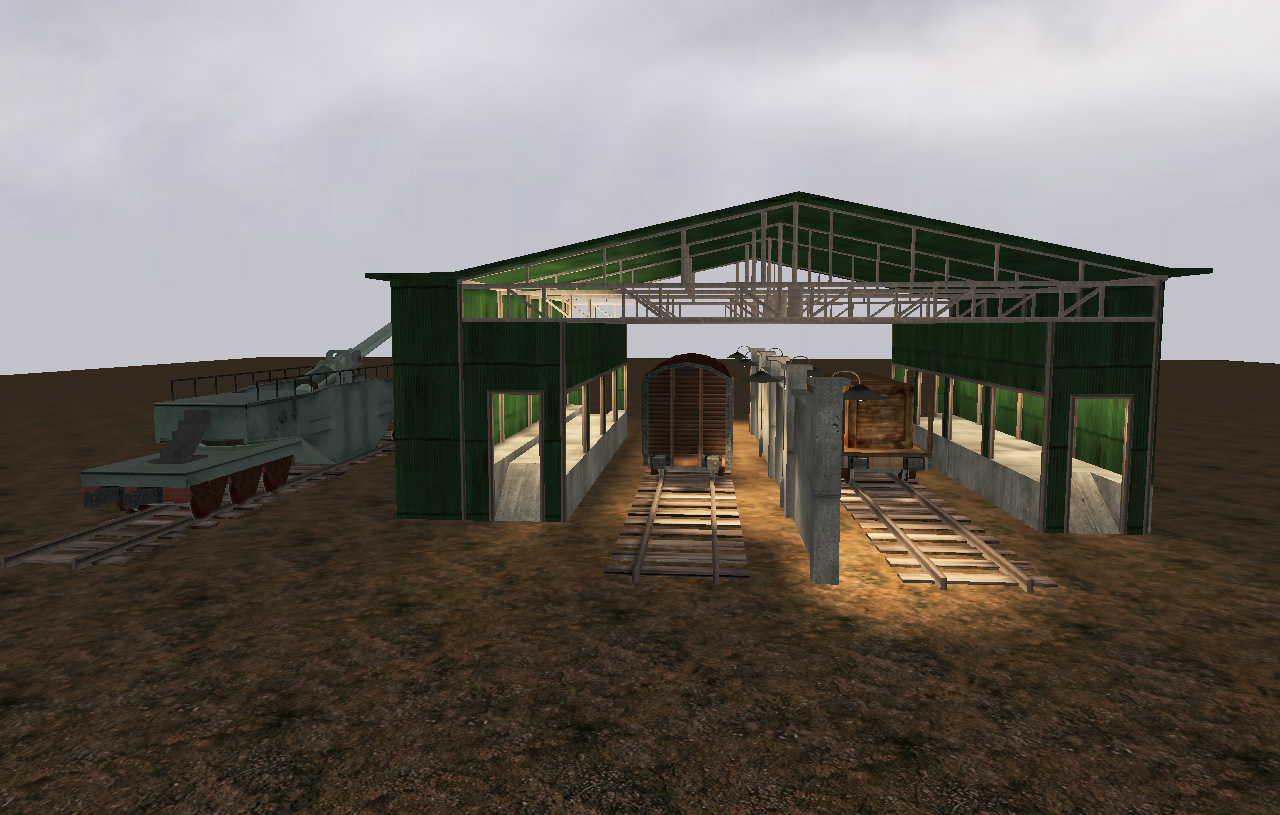
Bahnholf Hanger
I used this map to test,create and re-create bahnhof prefabs from the multiplayer map.Bsp and .map is included and all prefabs used and made.
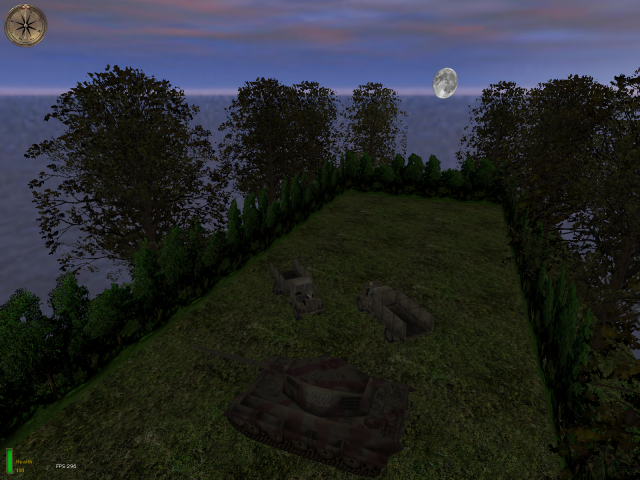
fourskies
Rotating between 4 different skies. The .MAP file is included within the pk3!
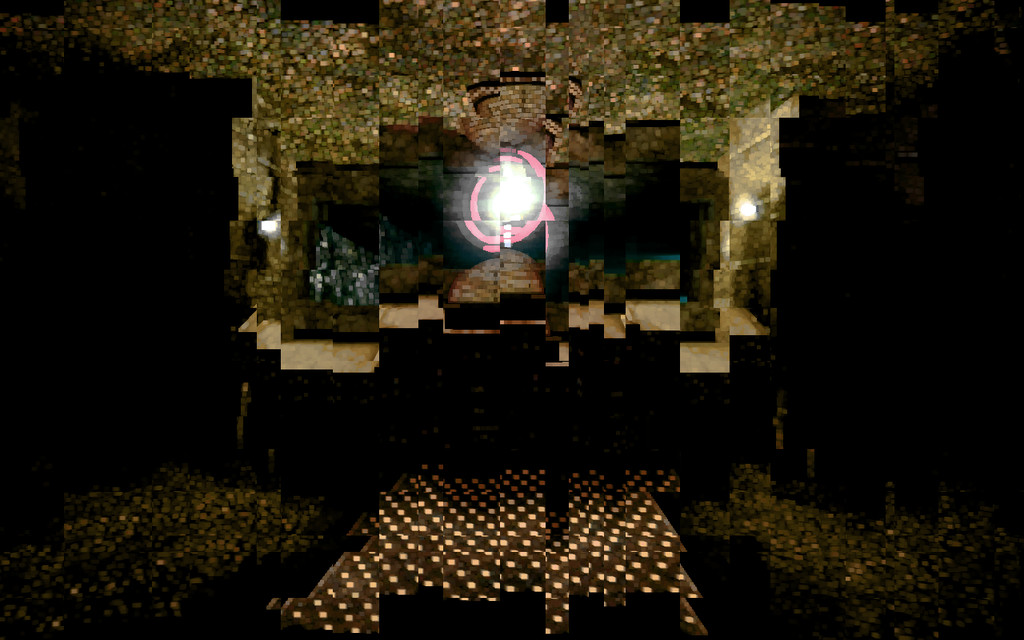
Dm Machinarium
A massive and awesome revamped version of the Salmonella Playground map, definitely deserves the new map name as it has been changed a lot.
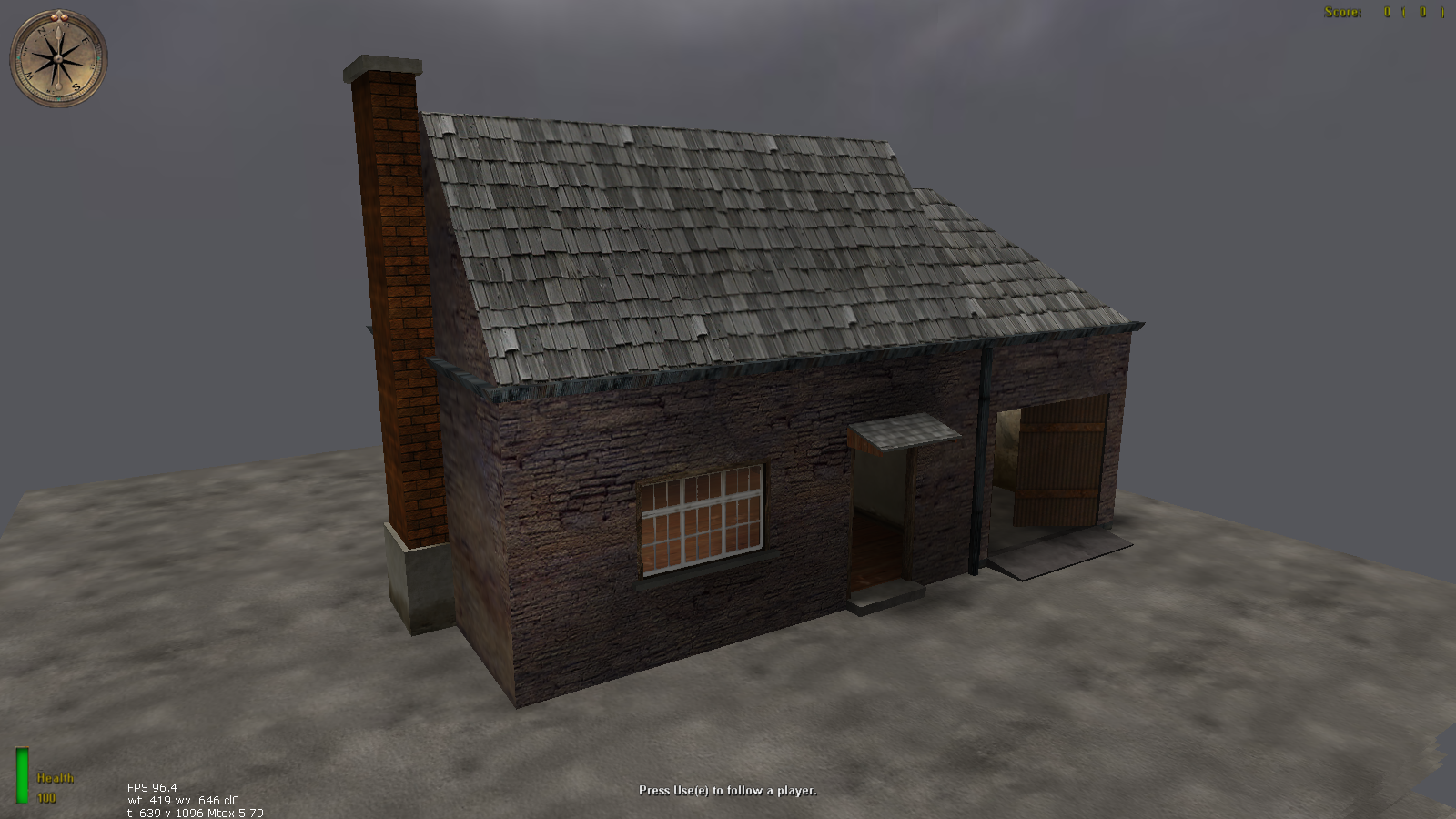
Maison01
A test map to test a house prefab. .MAP file is included within the pk3.
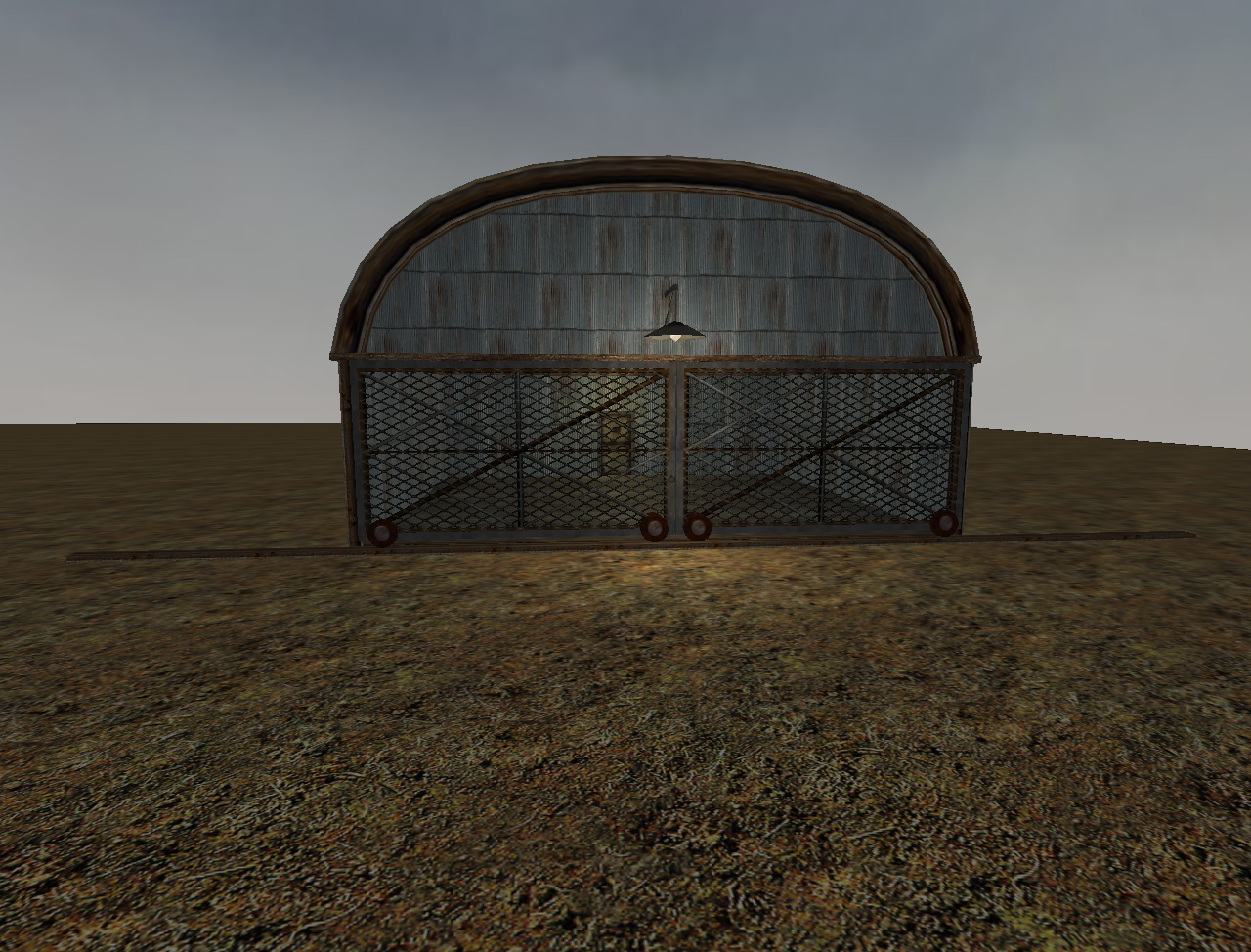
E Hanger
Small map with working plane hanger. Included prefab and scripts
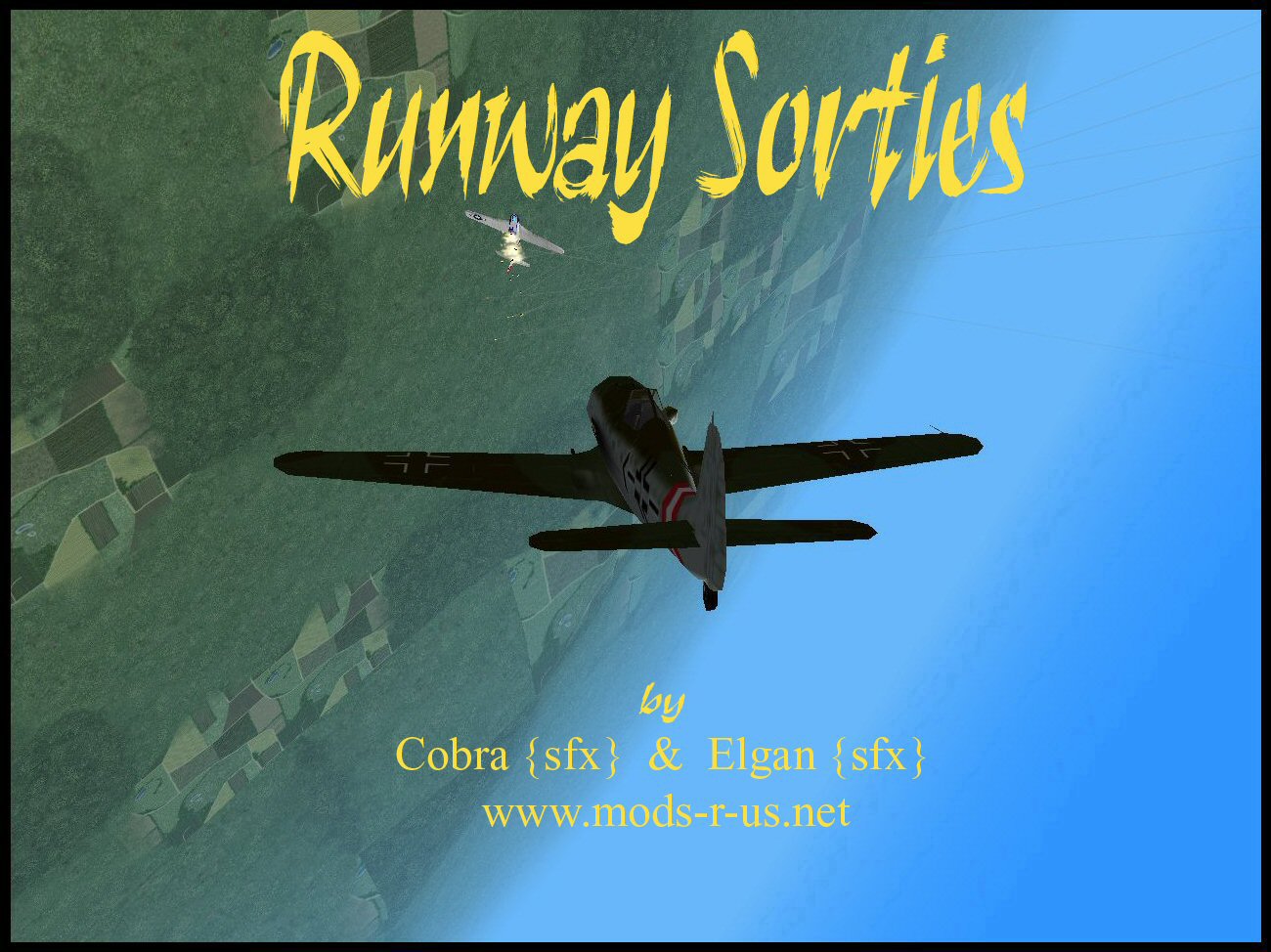
Airfield
A small map made for air battles mostly. You can enter planes and shoot with them in the air. // FLYABLE AIRCRAFT v2.1 © 2004 // Developed by Cobra {sfx} and Elgan {sfx} // // 1st public release // Tested on MOHAA // // // // If you find any bugs, let us know what they are so we can release a fixed verision. // Elgansayer@hotmail.com / Cobra {sfx - www.Mods-R-us.net // or elgan.sayer@gmail.com // // FEEL FREE TO USE THIS SCRIPT, WITH THE SUPPLIED CUSTOM MAP BUT PLEASE DO NOT REMOVE THIS HEADER! // We reserve the right to develop this script further and request that people wishing to use // any part of this script within their own custom map seek our permission first. //------------------------------------------------------------------------------------------ // // 1. Flying. (mouse /strafe) // // Use the mouse to Fly the Aircraft in any direction. The Aircraft will follow // as you move your mouse. // // The handling of the Aircraft seems stiff or can be stiff? // // Sometimes "pro" mode is turned on. This means that the Banking on the // Aircraft will be slow and harder to turn just like the real thing. However // when turning with pro mode set on you can greatly ease the steering with the // banking feature. For example when you want to bank left: // // with pro mode. // // left: // hold you strafe left key and turn your mouse to look left. // // right: // hold your strafe right key and turn your mouse to look right. // // **If you have configured your mohaa to use the handy lean function ingame, this can be used in the Aircraft to achieve a steeper angle of Bank** // // 2. Using Your Weapons (Mouse Buttons) // // There are two Fighter Aircraft, both are equipped with 4 weapons each. They // all have limited ammo but i have only ever run out once:) // // To activate a Selected Weapon Press your primary fire key (usual mouse // button1) . Bombs use mouse button 2. // // Note - Bombers Can only drop bombs. // // Allied/Axis Fighters Weapons: // // Primary weapon - 2x 30 cal machine guns. medium range and powerful. // // Secondary Weapon - Enhanced MG42 - Low range with high power. // // Rockets - The Aircraft have rockets . The amount and range is set through // console. Default is 4 at a range of 3000. Rockets are deadly accurate and // very powerful. // // Torpedo - Default off with 1 torpedo. The torpedo drops to the Sea and // surfs through the water to hit its target. This deadly weapon is not // available in any stock maps ( they dont have enough water) // // Bombs - use your right mouse button(secondary fire) to drop a bomb. Bomb // amount and ammo is set via console by admin. // // primaryfire- fire // Secondaryfire - bomb // // 3. Changing Weapon. // // to change weapon press your USE key (On a default keyboard - E) // // 4. Banking // // Use your strafe right and left keys to bank the Aircraft or avoid // collisions. // // NOTE: In pro mode this vastly helps steering. // // 5. Barrel Roll. // // The Aircraft can roll left and right. To roll and avoid enemy fire press you // Forwards key for left-roll or backwards key for right-roll. // // 6. LOOP THE LOOP! // // loop the loops are nearly impossible in stock maps because of the low sky // but in custom maps they are fun and easy!. // // loop the loops are performed by Pressing USE+ Forwards at the same time. // // 7. Auto Pilot/ Free Look! // // You can check your tail in flight while the Aircraft flies itself! // // Press your crouch key and then using the mouse you can look around for your // enemies. Press Crouch again to regain control of the Aircraft. // // NOTE: The plane will crash if you leave it without your control for too // long. // NOTE: Pressing the crouch key once activates this and then again to // de-activate. // // // 8. What to avoid // // Avoid crashing into or shooting down your own teams Aircraft // Try and avoid the stock maps invisible walls. (Blame EA not us) // Do not try to fly through things. you will explode!!! // The minefield's located around the perimeters of any map - fly high above // minefields or they will detect you and you will explode. // // // 9. How to get inside an Aircraft: // // On maps with Aircraft there are triggers around the maps. On stock maps // these triggers are in the form of red lights (Coronas). When walking into // the trigger you will take control of an Aircraft that will start flying in // the direction you ran into the trigger. // // NOTE: Many people have discovered that if you walk into the trigger while // looking DOWN you will fly straight into the Ground - just look straight // ahead :) // // 10. EJECT! // On most maps due to people trying to jump out and run for cover under the // map to cheat eject has been disabled. In maps with eject enabled you can // press your jump button to bale out of the Aircraft and float safely to the // ground. // // // // MOUSE SENSITIVITY // // As i explained above in steering if pro mode is on then the mouse will seem // stiff when flying a plane. When you die it resets back to the games default // (5). But many people have altered their mouse setting, this can be being // annoying for them. // // What can i do if i use a none default setting? // // When you die the script can execute a file and set the sensitivity back to // what you want. The file you will have to create beforehand though. // // To make the file: // // Open your mohaa game directory and find the main folder. Then inside the // main folder locate your configs folder. Inside this folder is a file named // "unnamedsoldier.cfg". Open this file with WORDPAD and scroll down ( you can // press ctrl-f and search for seta sensitivity) about half way until you find // where it says "seta sensitivity". It will have a number after it. Copy the // whole line seta sensitivity and number. // // Now open notepad and paste that line in. (It will say something like seta // sensitivity "7.000000".) // // Save that notepad file as "sensitivity.cfg", without the "" and as type ALL // FILES. Save it to your mohaa/main folder. // // thats it. when you crash the Aircraft the sensitivity will return to your // custom setting!. // // HUDS! // // The script will execute to show a hud when flying (Head Up Display). If u // dont have one then it wont show one. If you do it will pop up when you // obtain an Aircraft. // // The Hud Menu's Name is PLANE_HUD. // // Control keys: // // Forwards - barrel roll right // back - barrel roll left // left - bank left // right - bank right // USE - change weapon jump - bale out // crouch - free look/auto pilot // left click - fire // right click - Drop bomb // use+ forward - LOOP THE LOOP! // Mouse - Steer the Aircraft //---------------------------------------------------------------------------------------------- /* pilot_health -sets the pilots health as they enter a plane stuka_bombs -how many bobms the stuka/c47 can have fighter_bombs -how many bombs the fighters can have p47speed -sets the speed of this plane fw190speed -sets the speed of this plane ju87speed -sets the speed of this plane c47speed -sets the speed of this plane Elgans_Flyable //0 =off/ 1 = on. turns if they can fly or not pro //0=off, 1 = on//makes steering harder Elgan_eject //1 = can eject/ 0 cant rockets //sets the ammount of rockets rocketsspeed //sets the speed the rockets flky at rocketrange //how far they can travel before they explode if they have not hit anything torpedo /1 can use torped/ 0 cant elgan_debug //1 or 2 or 0 for off */
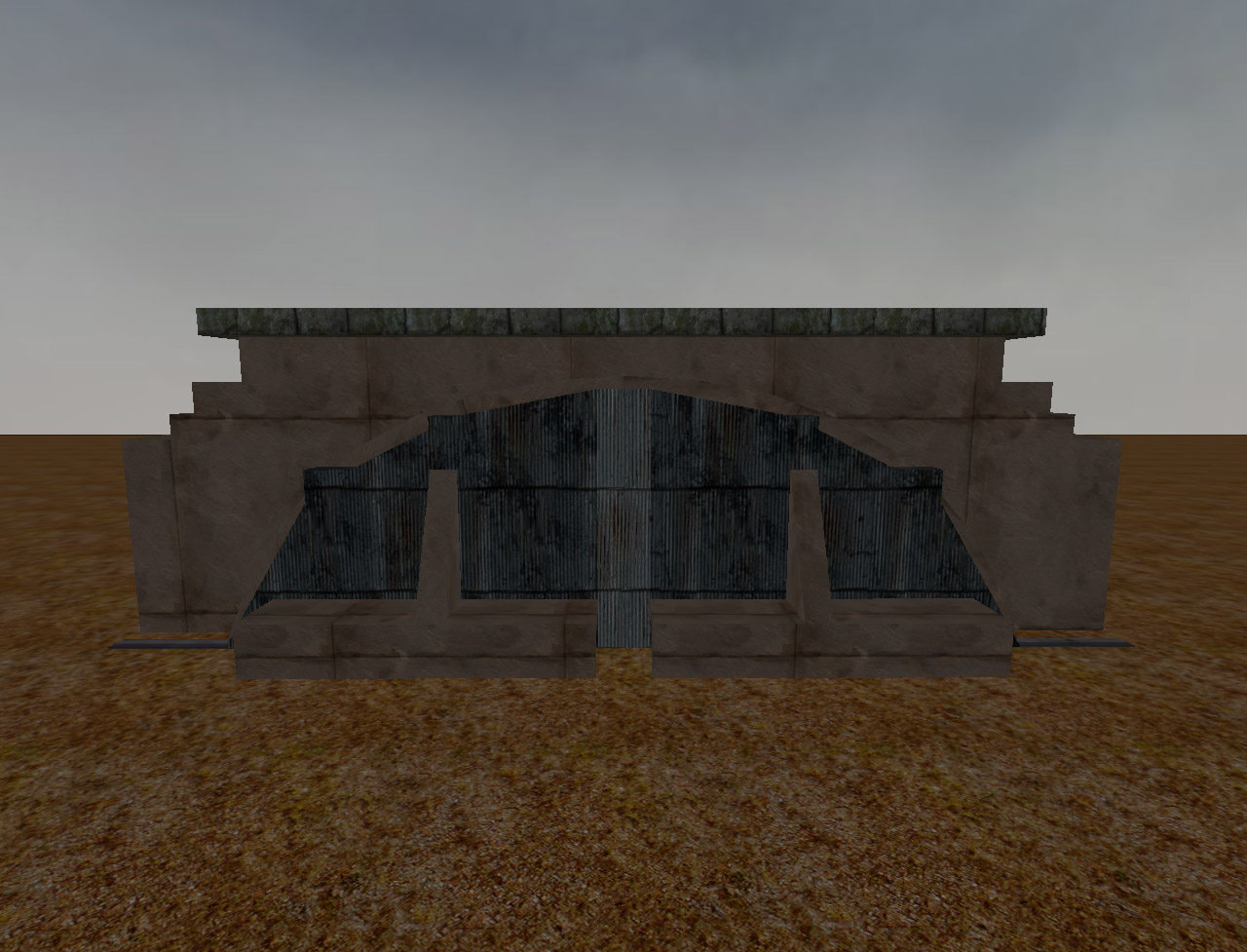
Flughanger
The .map file is included within the pk3 (so is the prefab file). Small map made to test out a prefab of an awesome airfield hanger with massive doors that can open and close at the press of a switch. prefab by Gold {sfx} Scripting by Cobra {sfx} Working switch thanks to tip by bobuk 1) Load your map in radiant 2) At top in textures go to Texture Lock and check moves and rotations.This keeps the textures on switchbox locked in the right position when moving or rotating the prefab.Otherwise if you do not use this option the textures may move around and then you have to manually re-align the switchbox with the surface inspector 3) Next before loading prefab in the 2d view windows click on each view and use the mouse wheel so you can view your whole map. I adjust the window size before loading prefabs so i can easily drag the prefab to the loacation i desire and also if i try to change the size of the 2d windows after prefab is loaded it tends to crash my radiant. 4) I have done all of the above whats next? Next go to file at top and click load prefab and point it to were ever you saved the Flughafen-Hanger-Final.pfb 5) Now you can move the prefab around to location you wish in 2-d or 3-d windows.In a small map you can move it around pretty fast. In a larger map take your time and move it slowly as you do not want to crash radiant. Once you get the prefab in the location you desire go to top of radiant and click selection.Then deselect.Or hit escape on keyboard for shortcut.
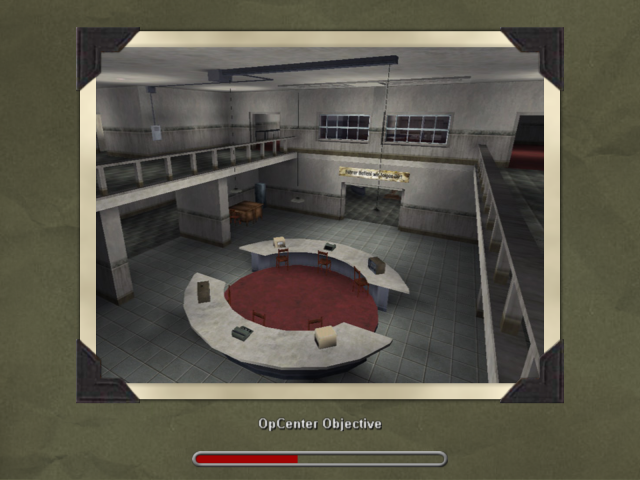
Opcenter Obj
The .MAP file is included within the extra files section on this page.
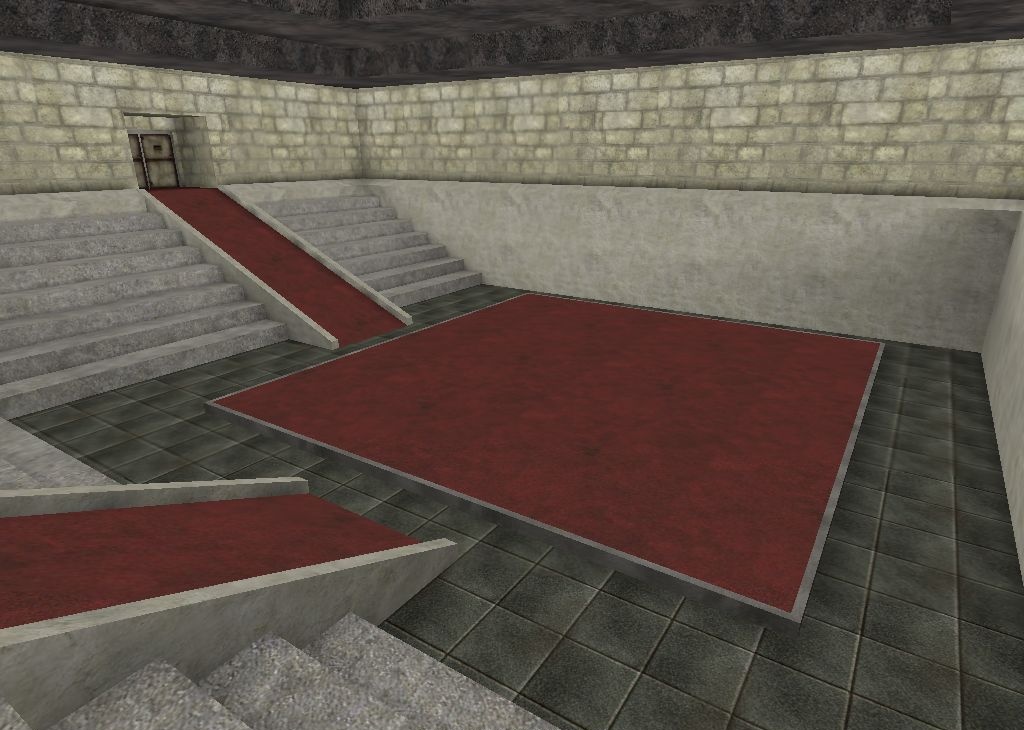
Arena
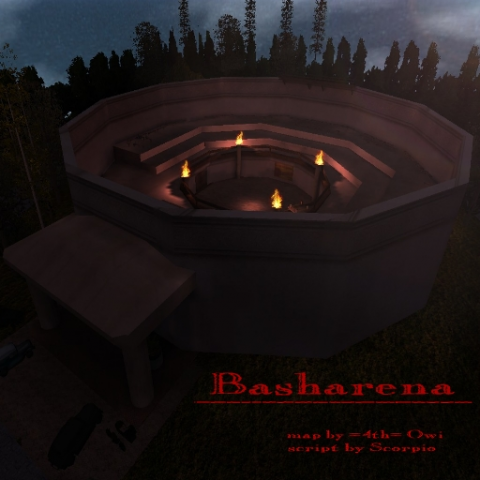
A small fun little room, designated for bashing. The room seems to be almost the same as the arena in the Training Center map (without the cage though).
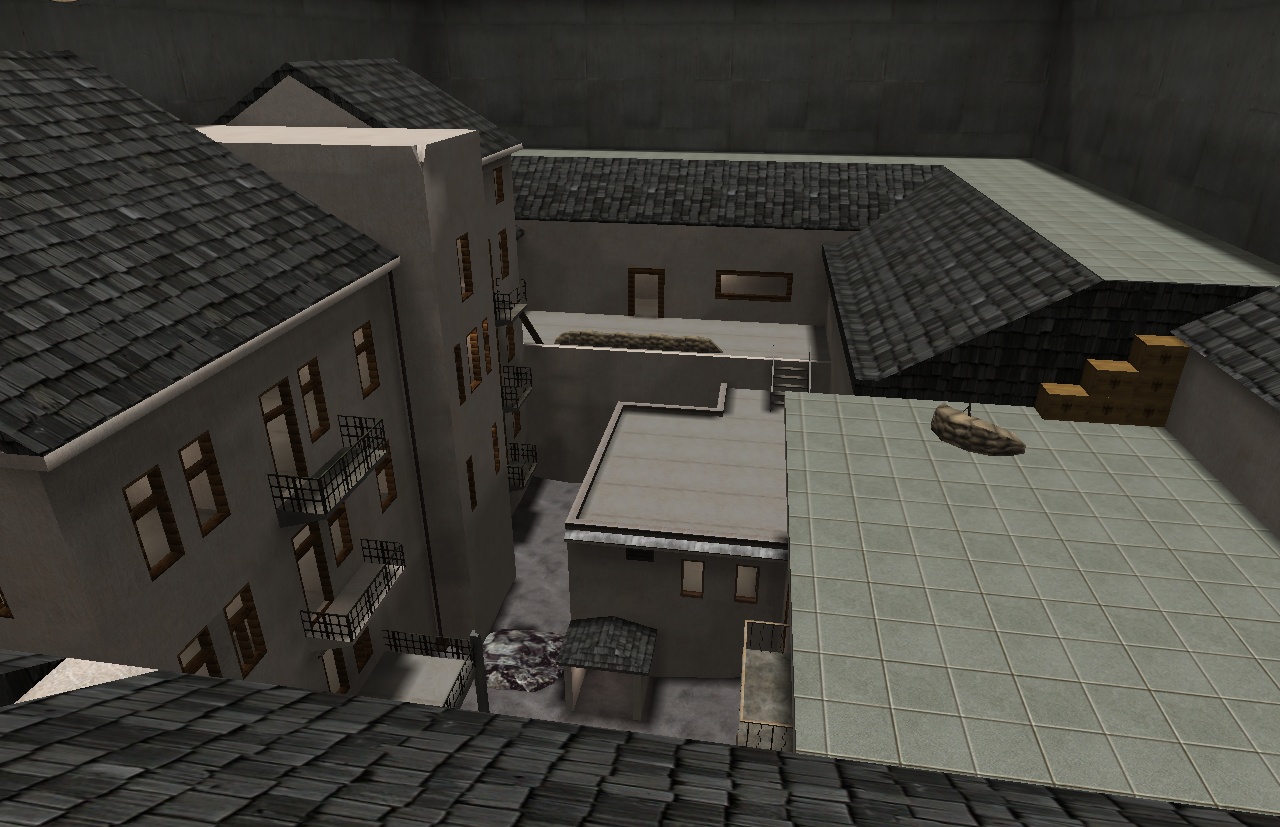
Dm Eggfight
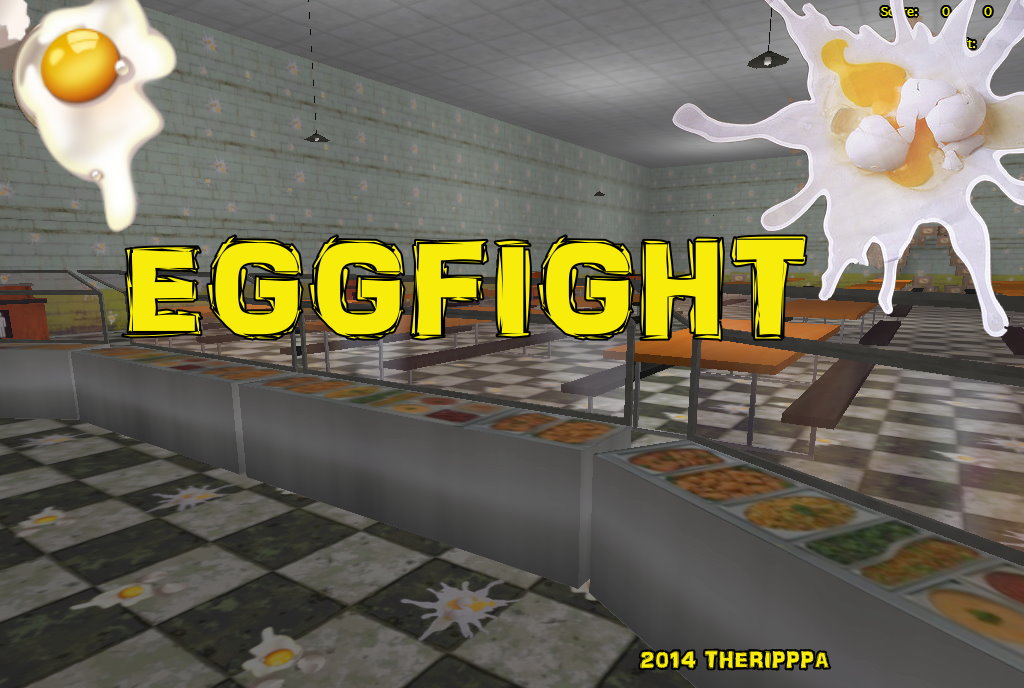
Jv's snowball mod is implemented in this map, though the snowballs have been changed with eggs. 02/09/2014 Note: File Re-uploaded, some lag issues fixed in this version by TheRipppa.
Actionroom
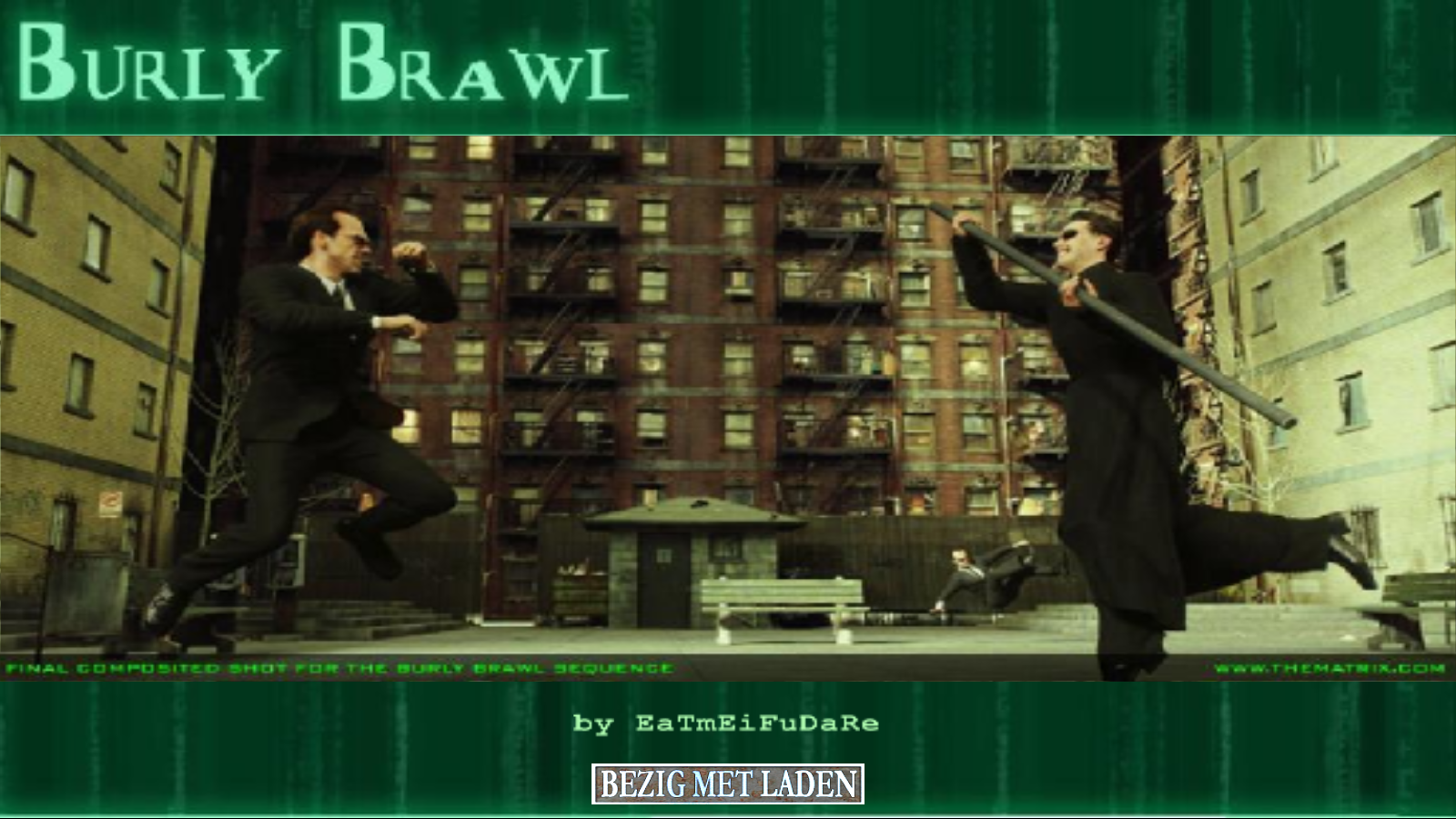
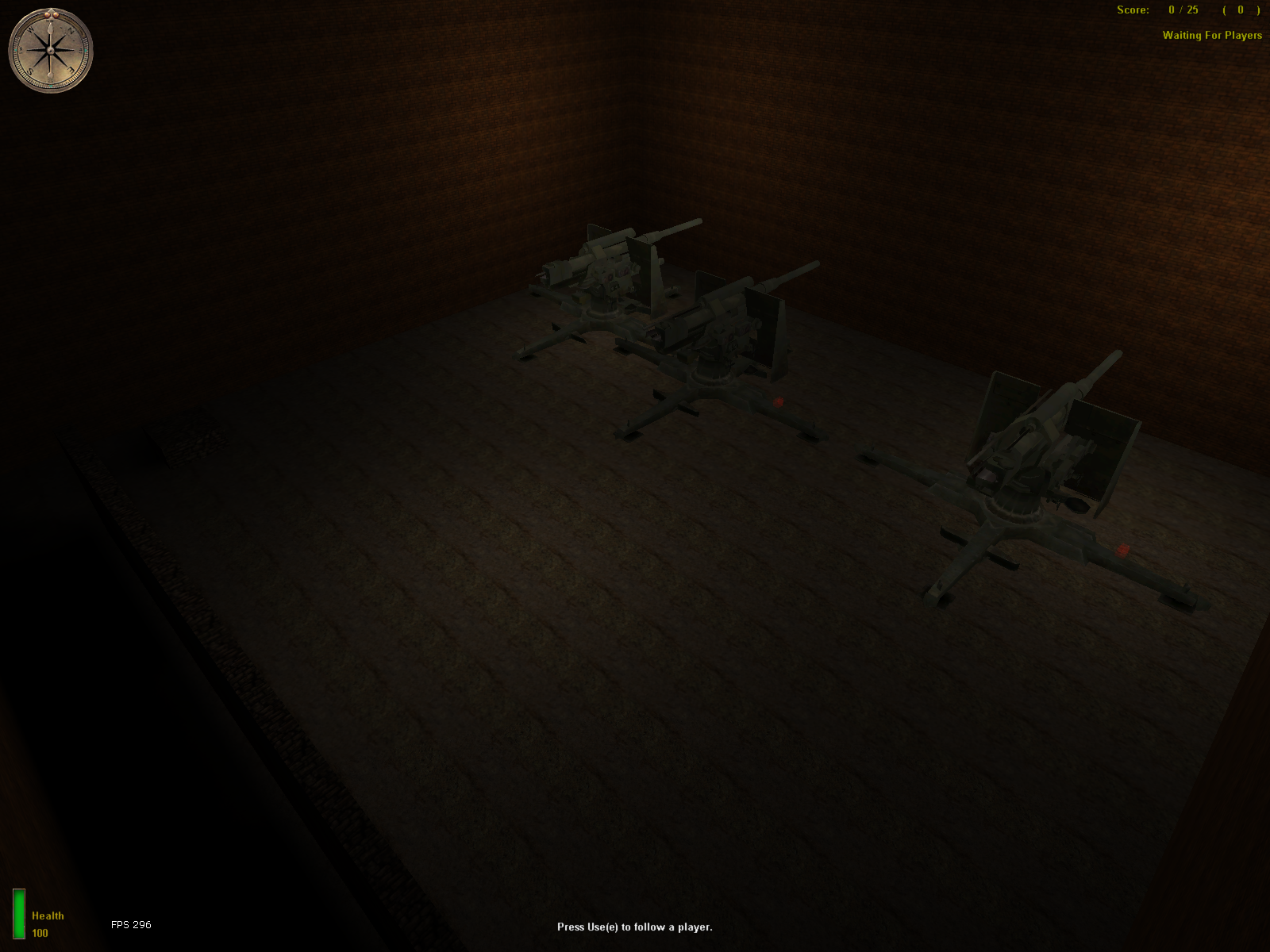
This map has been made to test skins ingame. Botfiles are needed and included. Tutorial movie & screenshots are included as well. The .map file is included in the .pk3 file.
Medal of Honor: Allied Assault Maps (MOHAA) — Custom Arenas & Classic Battlegrounds
Explore the world's most extensive archive of MOHAA custom maps, multiplayer battlegrounds, and singleplayer missions. Powered by the id Tech 3 engine (Quake III Arena) and created with Radiant, Medal of Honor: Allied Assault introduced some of the most memorable level design in tactical WWII shooters. MOH-DB hosts and preserves over 2,500 community-crafted maps spanning every competitive and cooperative game mode.
MOHAA Game Modes & Map Prefixes Explained
Objective Mode (OBJ)
The pinnacle of competitive MOHAA. Allies attempt to plant explosives, steal secret radar documents, or sabotage infrastructure while the Axis defends. Famous stock examples include V2 Rocket Facility (obj_team2), Omaha Beach (obj_team1), and The Hunt (obj_team4).
Deathmatch & TDM
Fast-paced arena combat with instant respawns and tactical weapon placements. Iconic maps like Stalingrad (mohdm6), Southern France (mohdm1), and Remagen (mohdm7) offer multi-level verticality, sniper towers, and close-quarters infantry corridors.
Freeze Tag (FT)
One of the most beloved multiplayer mod modes in MOHAA history. When a soldier is eliminated, they turn into a frozen ice block. Teammates must stand nearby to thaw and revive them. The round is won when an entire opposing team is frozen simultaneously.
Round-Based Elimination
Pure clan warfare without respawns or bomb objectives. Each player has only one life per round, making tactical corner-peeking, smoke grenades, callouts, and sound discipline vital. Widely played in European leagues like ClanBase, CAL, and ESL.
Stock Maps vs Custom MOHAA Maps
★ The 11 Legendary Stock Maps
When 2015, Inc. shipped Medal of Honor: Allied Assault in January 2002, the game included 11 multiplayer maps that permanently shaped tactical FPS design:
- Southern France
mohdm1 - Destroyed Village
mohdm2 - Remagen
mohdm3 - Crossroads
mohdm4 - Snowy Park
mohdm5 - Stalingrad
mohdm6 - Algiers
mohdm7 - Omaha Beach
obj_team1 - V2 Rocket Facility
obj_team2 - The Bridge
obj_team3 - The Hunt
obj_team4
⚡ 2,500+ Community Custom Maps
Community mappers extended the life of Medal of Honor for decades using MOHRadiant, GTKRadiant, and custom Moorish, European, and Pacific texture packs. Community creations include:
Console Commands & Map Installation
📥 How to Install Map .pk3 Files
- Download the custom map file from MOH-DB (usually packaged as
mapname.pk3). - Move the
.pk3file into your main game directory:C:\Program Files (x86)\EA GAMES\MOHAA\main\ - For Spearhead expansion maps, place files into
/mainta/; for Breakthrough, place them into/maintt/. - Launch Medal of Honor. Custom maps will automatically appear in your local Create Server list!
⌨️ Loading Maps via In-Game Console
Press the tilde key (~) to drop down the developer console, then run:
Frequently Asked Questions about MOHAA Custom Maps
To install custom MOHAA maps, download the .pk3 file and copy it into your game's /main/ directory (or /mainta/ for Spearhead, /maintt/ for Breakthrough). The map will immediately show up in your offline and multiplayer Create Server map rotation list.